

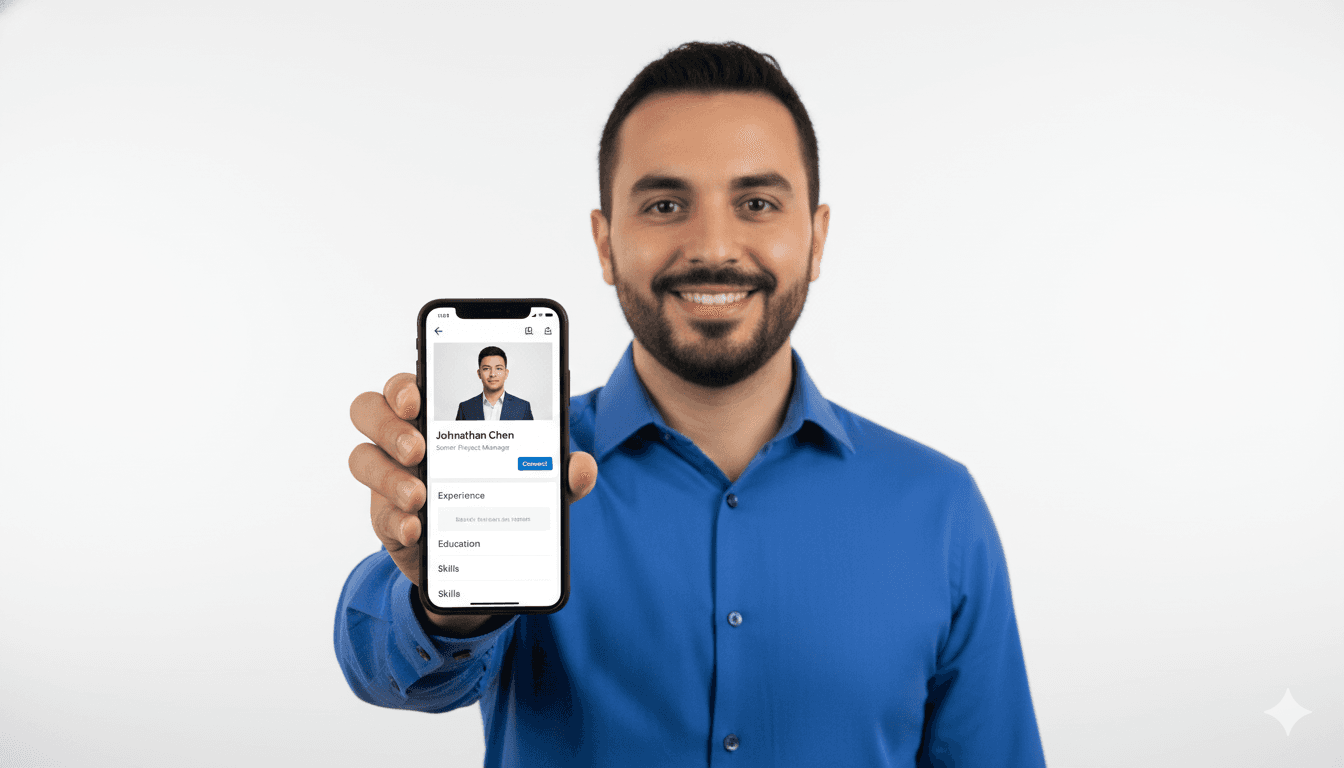
Your LinkedIn photo is the most visible asset in your professional brand. In 2026, recruiters and clients still make split-second judgments based on profile photos. A strong headshot makes you look credible, confident, and ready. A weak one makes you look unprepared, no matter how good your resume is.
AI headshots have changed the game. You can now generate dozens of professional images from a few selfies, in minutes, for a fraction of the cost of a traditional photoshoot. But not all AI headshots are equal, and not all LinkedIn photos perform the same.
This guide is your complete playbook for using AI headshots to improve your LinkedIn presence, stand out in search results, and build instant trust with recruiters and hiring managers.
Why LinkedIn Headshots Matter More in 2026
LinkedIn is no longer just a resume site. It is a discovery platform, a recruiting engine, and a reputation layer. When people search for candidates or collaborators, the photo is the first thing they see. It influences:
- Profile click-through rate.
- Connection acceptance rate.
- Message response rate.
- Perceived authority and trust.
A strong headshot increases visibility, while a weak or outdated photo reduces engagement. In a competitive market, that difference is significant.
What Makes a Headshot "LinkedIn Ready"
A LinkedIn-ready headshot has a few consistent characteristics:
- Clean background with minimal distractions.
- Clear facial focus with good lighting.
- Professional wardrobe aligned with your industry.
- Natural expression that feels confident but approachable.
AI headshots can deliver these elements consistently. The key is choosing the right style and generating enough variations to pick the best match for your brand.
AI Headshots vs. Traditional Photoshoots
Traditional headshots can cost hundreds of dollars and take days or weeks to schedule. AI headshots are faster and cheaper, but the quality depends on the platform and the input images.
Advantages of AI headshots:
- Speed: results in minutes instead of days.
- Variety: 20 or more styles from a single input set.
- Cost: starting at $3.99 for 20 AI headshots on CareerLyft.
- Accessibility: no studio, no travel, no scheduling.
Traditional photoshoots still have value for executives or very specific brand needs, but for most professionals, AI headshots deliver the best ROI.
How the Best AI Headshots Are Generated
High-quality AI headshots require quality inputs. The process is simple, but the inputs matter:
- Use clear selfies with good lighting.
- Include a few angles and expressions.
- Avoid heavy filters or extreme lighting.
- Keep the background plain if possible.
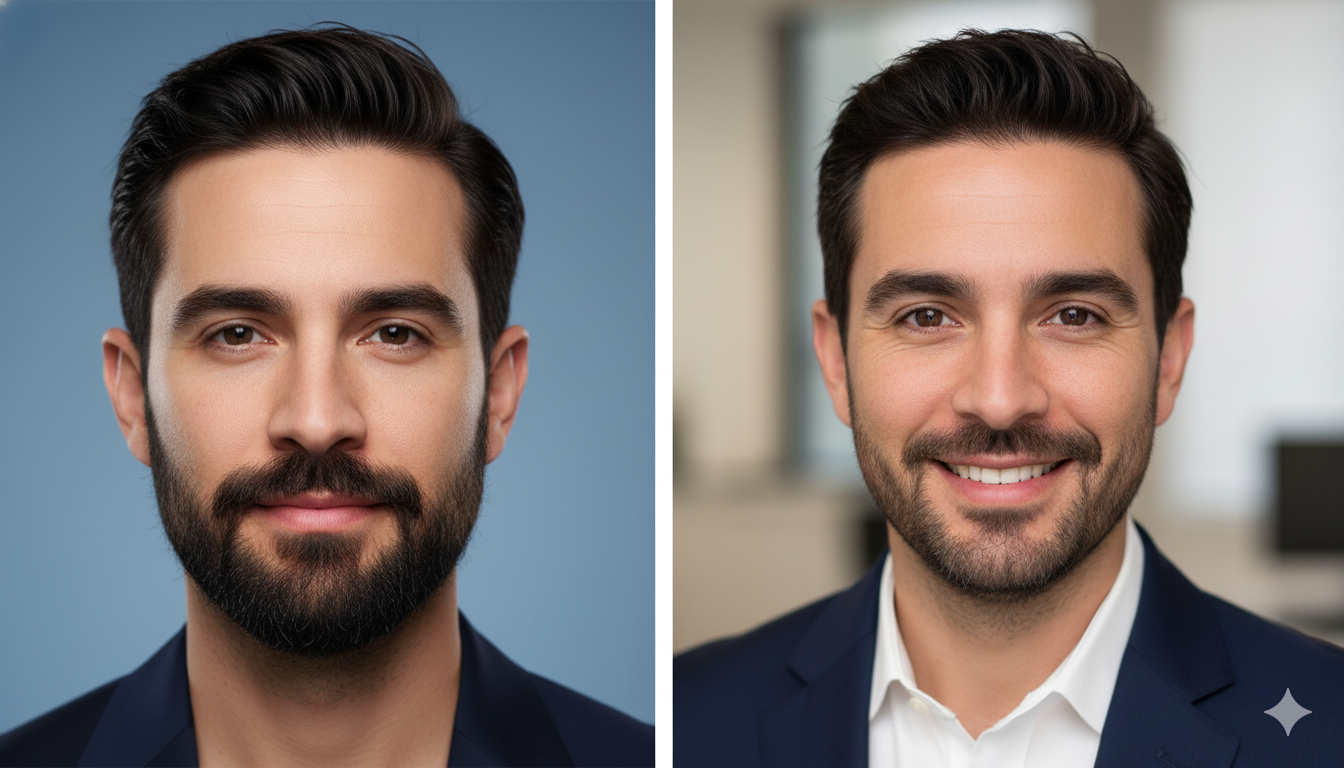
The AI learns your face and generates new images in professional settings. It is not creating a fake person; it is creating a polished version of you.
Style Choices That Perform Best on LinkedIn
The best style depends on your role and industry. In 2026, these styles consistently perform well:
- Corporate: clean background, neutral colors, formal attire.
- Business casual: softer lighting, approachable expression, relaxed wardrobe.
- Creative professional: slightly bolder colors, modern framing, still professional.
AI headshot generators allow you to explore all three without extra cost. The best strategy is to test and choose the one that feels most aligned with your target role.
The Psychology of a Strong Headshot
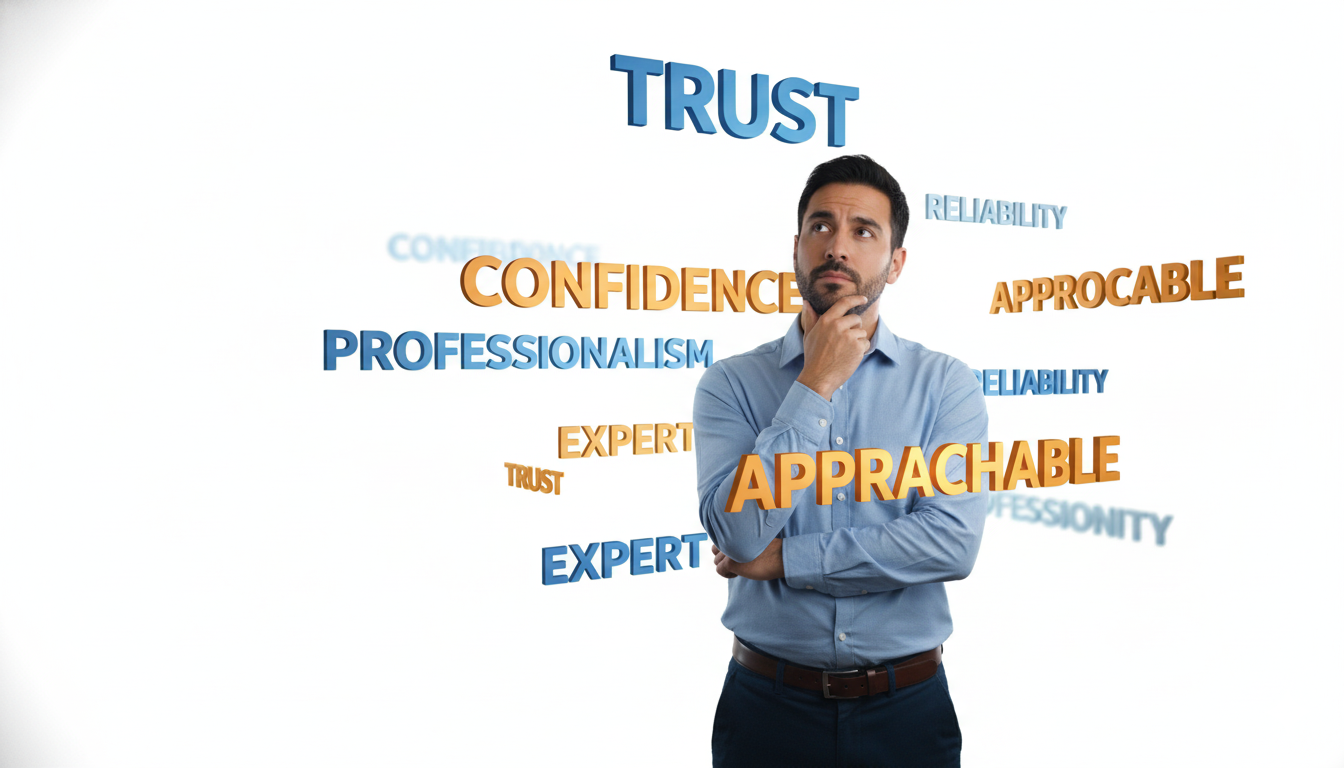
Humans make judgments fast. A headshot signals trust, competence, and energy. That is why details matter: the tilt of your head, the brightness of the eyes, and the clarity of the background.
AI headshots can optimize these micro-signals. They can enhance lighting, remove distractions, and create a more focused image. The result is a photo that communicates clarity and professionalism before a recruiter reads a single word.
The LinkedIn Profile Photo Rules You Cannot Ignore
LinkedIn updates its guidelines regularly, but some principles stay consistent:
- Head and shoulders should fill most of the frame.
- Avoid group photos or cropped party photos.
- Use a high-resolution image that remains clear at small sizes.
- Keep the background simple.
AI headshots are built to fit these rules. They provide high-resolution images that remain sharp even at small profile sizes.
How to Choose the Best Photo From 20 Options
If you generate a set of 20 AI headshots, do not choose randomly. Use this process:
- Eliminate any photo that does not look like you.
- Choose 3 to 5 that feel aligned with your industry.
- Ask a trusted colleague which one feels most professional.
- Test two variations for a week each and compare profile views.
This small A/B test can produce measurable gains in visibility.
Use Consistency Across Platforms
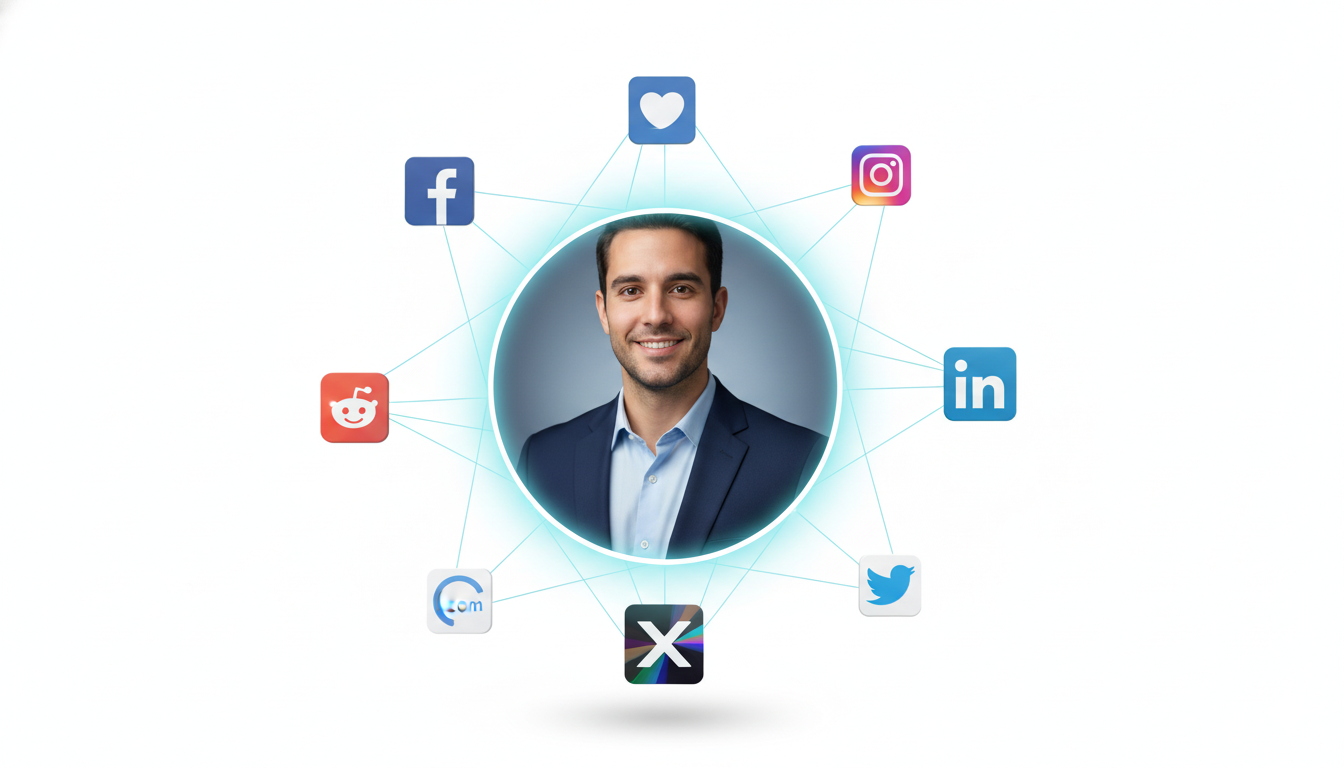
Your LinkedIn photo should match your other professional profiles. Consistency builds recognition and trust.
Use the same headshot for:
- LinkedIn profile photo.
- Email signature.
- Personal website.
- Conference speaker bios.
AI headshots make this easy by giving you multiple versions in the same style.
The ROI of AI Headshots
The price-to-value ratio is hard to beat. CareerLyft AI headshots start at $3.99 for 20 images. That is less than the cost of a coffee in many cities, yet it delivers a professional asset you can use for years.
If a stronger headshot leads to one extra interview or one new client, the investment is already profitable. That is why AI headshots have become a standard career upgrade in 2026.
Common AI Headshot Mistakes
Avoid these pitfalls:
- Using selfies with harsh lighting or low quality.
- Choosing a style that does not fit your industry.
- Using an image that looks too edited or unrealistic.
- Forgetting to update other profiles after changing your LinkedIn photo.
AI can generate the image, but you must choose the right one and deploy it consistently.
The Selfie Input Checklist That Improves Results
The quality of your AI headshot depends on the quality of your input photos. Use this checklist before uploading:
- Take photos in soft, natural light or in a well-lit room.
- Include both neutral and slight smile expressions.
- Keep your face centered and avoid extreme angles.
- Use a clean background with minimal clutter.
- Avoid heavy filters or beauty apps.
These simple steps give the AI a clearer representation of your face, which produces more realistic and professional results.
Wardrobe Guidance by Industry
Your headshot should align with your industry expectations. AI can generate different clothing styles, but you should choose the version that fits your role:
- Finance and law: formal attire, dark or neutral colors.
- Tech and startups: business casual, modern and clean.
- Creative roles: slightly bolder colors or textures, still professional.
- Healthcare: simple, clean, trustworthy presentation.
If you are not sure, choose the more formal option. It is easier to be slightly overdressed than underdressed in a professional profile.
The LinkedIn Crop and Composition Rule
LinkedIn displays profile photos in a small circle. That means your face should take up most of the frame. If your AI headshot includes too much background, it will look distant and less engaging.
The best composition:
- Head and shoulders filling 70 percent of the frame.
- Eyes aligned roughly one third from the top.
- Clear separation between face and background.
Most AI headshots are generated at high resolution, so you can crop slightly without losing quality.
Use LinkedIn Analytics to Measure Impact
LinkedIn provides visibility metrics such as profile views and search appearances. After updating your headshot, track these numbers for two to three weeks. If you see a clear lift, keep the new photo. If not, try another version from your AI set.
This simple A/B test approach can turn your headshot into a measurable growth lever for your professional brand.
Authenticity and Ethics in AI Headshots
The best AI headshots are realistic. They should represent you, not a fictional version. Avoid styles that dramatically change your appearance. Authenticity builds trust, and trust is the point of a headshot.
If you are asked whether your headshot is AI-generated, the best answer is simple: "Yes, it is an AI-enhanced professional headshot based on my own photos." Transparency keeps your brand strong.
FAQ: LinkedIn AI Headshots
Are AI headshots acceptable on LinkedIn?
Yes. LinkedIn does not ban AI headshots. The key is that the image should be a realistic representation of you. If it looks authentic and professional, it is acceptable.
How often should I update my LinkedIn photo?
A good rule is every two to three years, or whenever your appearance changes significantly. AI makes updates easy and affordable.
Do AI headshots look fake?
High-quality AI headshots look realistic, especially when generated from clear input selfies. Choose platforms that prioritize realism and avoid extreme edits.
Can AI headshots replace professional photography?
For most professionals, yes. They are faster, cheaper, and provide multiple options. Traditional photography still has a place for specialized branding, but AI is the best ROI for most people.
How does CareerLyft deliver value?
CareerLyft provides fast, realistic AI headshots with a simple workflow. Pricing starts at $3.99 for 20 headshots at the AI headshots page, making it accessible for anyone upgrading their LinkedIn presence.
Final Takeaway: Your LinkedIn Photo Is Your Digital Handshake
In 2026, your LinkedIn photo is often the first interaction you have with a recruiter or potential client. A professional AI headshot communicates confidence and clarity in a single glance. It improves visibility, increases engagement, and supports your personal brand.
If you want to upgrade your LinkedIn profile quickly and affordably, AI headshots are the smartest move. You can generate a full portfolio in minutes and choose the image that makes you look your best.