

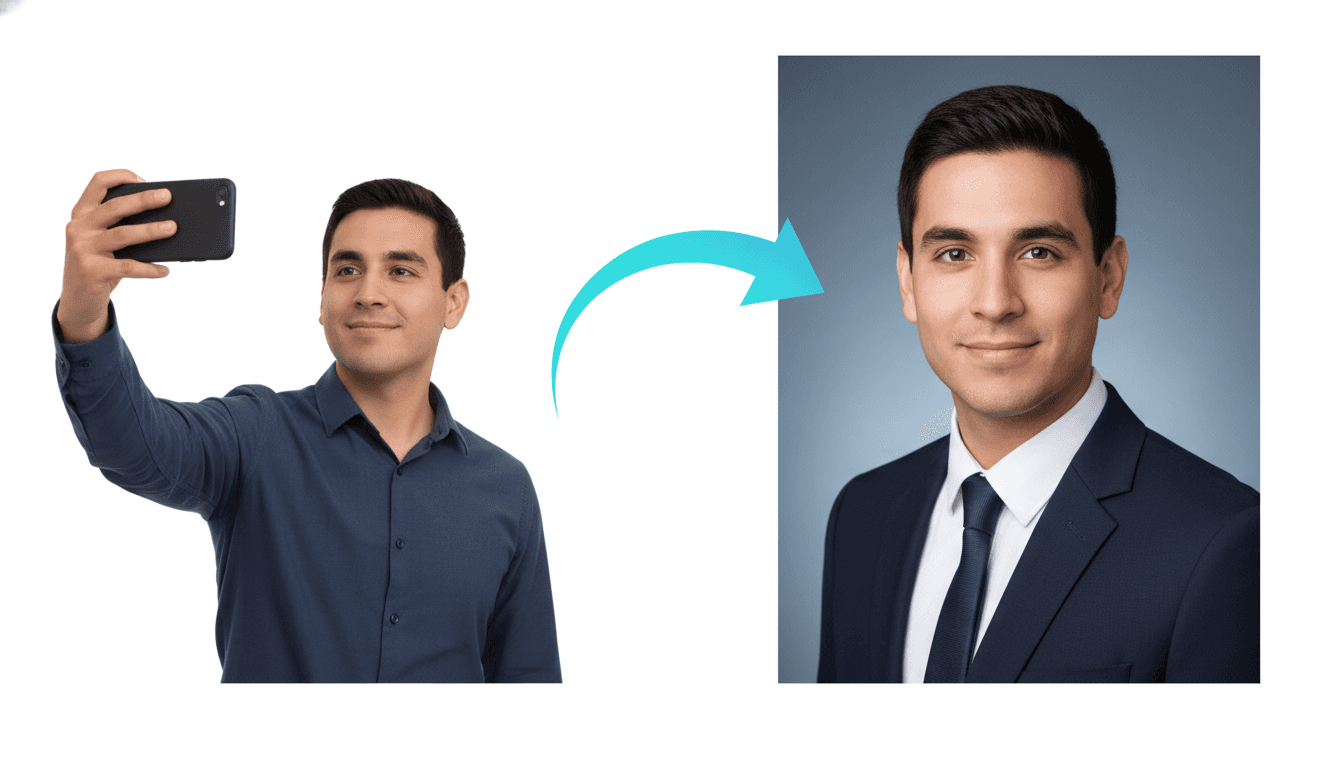
AI headshots moved from novelty to default in a very short time. In 2026, a professional photo is no longer a luxury; it is a baseline signal of credibility. This guide focuses on cost and time efficiency and gives job seekers and founders a repeatable way to get results that look real.
The goal is not to look unrealistically perfect. The goal is to look like a confident, trustworthy professional who understands their industry. That is why a quality checklist matters more than ever.
Below you will find a clear process, a practical checklist, and a strategy for choosing styles that match your audience. You will also see how to align your headshot with the rest of your career materials.
Why headshot quality matters in 2026
Quality matters because your headshot is a shortcut to trust. For job seekers and founders in 2026, the photo often decides whether someone reads your summary. A realistic image reduces friction and makes your profile feel complete.
Your headshot should reflect your role, not just your personality. The best AI headshots balance clarity, professional styling, and a background that feels appropriate for the industry.
The difference between a good and a great headshot is usually subtle: edge clarity, natural lighting, and a consistent expression. Those small details are what make viewers trust the image.
How AI headshots achieve realism
AI headshots work by learning the structure of your face from multiple input photos, then rendering new images under controlled lighting. The best systems do not simply overlay a filter; they generate a new photo that is consistent with your facial geometry.
Realism comes from three inputs: clean photos, good lighting variety, and a style that matches your industry. When those are aligned, the output looks like you on your best professional day.
If a result looks slightly off, it is usually because the input set lacked variety or the style pushed the model into an unrealistic aesthetic. The fix is almost always a better set of input photos or a more neutral style.
The step by step process to get a headshot that converts
Step 1: Define the role you want the photo to support. A headshot for sales leadership is different from a headshot for a creative role. Write down the audience and the tone you want to signal.
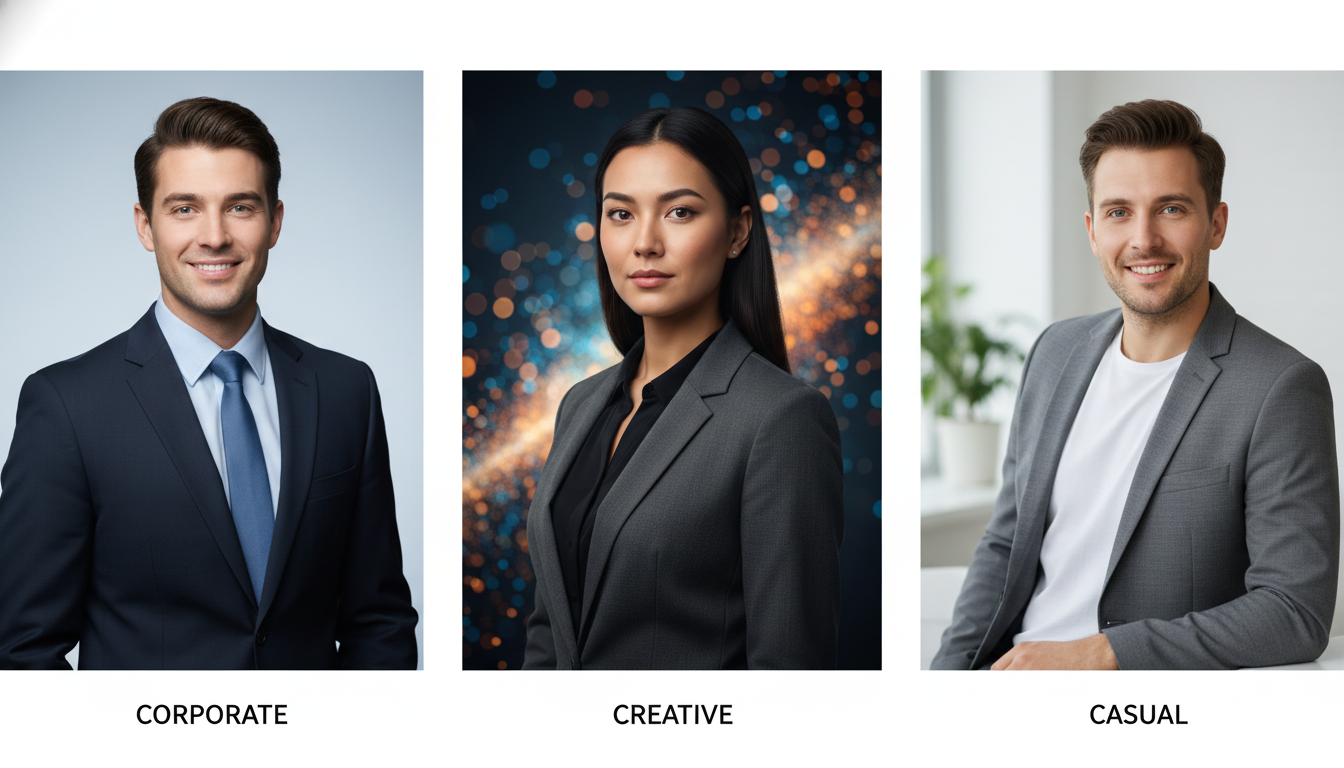
Step 2: Choose a style that matches the role and industry. Conservative backgrounds and crisp lighting communicate trust. Slightly warmer tones can signal approachability. Avoid extremes that distract from the face.
Step 3: Collect 10 to 15 clear photos. Use a mix of angles and expressions. Consistency is good, but variety helps the model understand your facial structure and avoids odd artifacts.
Step 4: Upload and generate. The best tools will produce multiple options across different backgrounds and outfits so you can select the best match for each platform.
Step 5: Review with a checklist. Zoom in on edges, look for clean lighting, and verify that the image still looks like you. If anything looks off, discard that image and pick another.
Step 6: Test on your target platform. A headshot that looks good in a gallery may look too dark or too warm on LinkedIn or in a small profile circle. Always check the real display size.
Step 7: Rotate wisely. Use a primary image for your most visible profile and a secondary image for less critical platforms. Consistency builds recognition without looking repetitive.
Common mistakes and fixes
- Using overly stylized backgrounds that draw attention away from the face. Fix: choose neutral or softly blurred backgrounds that keep the focus on you.
- Picking a style that does not match your industry. Fix: align with the visual norms of your target role.
- Uploading only one photo. Fix: provide variety so the model can learn your features and reduce distortions.
- Choosing an image that looks good full size but fails at thumbnail size. Fix: preview on LinkedIn and Slack before committing.
- Ignoring lighting consistency. Fix: select outputs that keep even, natural light across the face.
- Over editing after generation. Fix: keep edits minimal to preserve realism.
- Using a headshot that does not look like you today. Fix: update if your hairstyle or facial hair changed significantly.
- Overly aggressive smile or expression. Fix: pick a relaxed, confident expression that fits professional contexts.
Use cases and platform specific guidance
Use a more conservative headshot for LinkedIn and enterprise settings. Use a warmer and more approachable image for communities, creator profiles, and event pages.
If you apply to multiple roles, match the headshot to the role. A product manager profile can use a clean, modern office background. A creative director profile can use a slightly warmer tone with subtle texture.
For teams, use the same lighting and background family across employees. Consistency builds a brand signal even when the team is remote.
A headshot should also work in email clients and chat apps. Always test the circular crop to make sure the face is centered and clear.

The headshot quality checklist
- Face is clear at small sizes and does not blend into the background.
- Lighting is soft and even with natural skin texture.
- Eyes are sharp and aligned without odd reflections.
- Hairline and shoulders have clean edges with no blur artifacts.
- Outfit matches the target industry and role.
- Background is professional and not distracting.
- Expression is confident and approachable.
- Image matches your current look and feels authentic.
FAQ
How many photos should I upload?
Upload 10 to 15 clear photos with different angles and expressions for best realism.
Will an AI headshot look like me?
Quality tools preserve facial geometry and deliver images that look like a refined version of you.
Can I use AI headshots on LinkedIn?
Yes. Many professionals use them as long as the image is realistic and professional.
What is the best background?
Neutral or softly blurred backgrounds work best for trust and readability.
How often should I update my headshot?
Update when your hairstyle, facial hair, or professional brand changes.
What is the fastest way to get results?
Use a dedicated AI headshot tool and select styles aligned with your industry.
Final takeaway
If you want speed without sacrificing realism, AI headshots are the clear winner. The key is to follow a quality checklist and choose styles that fit your audience.
CareerLyft offers one time pricing for resume builders at https://careerlyft.ai, and realistic AI headshots for $3.99 with 20 image credits at https://careerlyft.ai/ai- headshots.
Start your headshot workflow here: https://careerlyft.ai/ai-headshots and upgrade your resume with one time pricing at https://careerlyft.ai.
A high performing headshot is not about being perfect. It is about being believable, clear, and aligned with the story your profile is already telling. The more consistent your photo is with your headline, role, and industry, the easier it is for a recruiter or client to trust you.
When evaluating styles, do not only pick what looks cool. Pick what matches your audience. A finance leader and a product designer can both look great in AI headshots, but they will likely need different visual cues.
Professionals in regulated industries should aim for conservative styling and neutral backgrounds. Clean lines, soft lighting, and minimal distractions tend to build trust faster than dramatic or trendy looks.
For brand building, plan for a small rotation. Use one image for LinkedIn, another for speaking engagements, and a third for your personal site. A rotation keeps your presence fresh without losing recognition.
A good headshot also supports accessibility. High contrast between the face and background helps viewers on mobile screens. That is another reason to avoid busy scenes and overly dark backdrops.
A good headshot also supports accessibility. High contrast between the face and background helps viewers on mobile screens. That is another reason to avoid busy scenes and overly dark backdrops.
A good headshot also supports accessibility. High contrast between the face and background helps viewers on mobile screens. That is another reason to avoid busy scenes and overly dark backdrops.
A good headshot also supports accessibility. High contrast between the face and background helps viewers on mobile screens. That is another reason to avoid busy scenes and overly dark backdrops.
A good headshot also supports accessibility. High contrast between the face and background helps viewers on mobile screens. That is another reason to avoid busy scenes and overly dark backdrops.
A good headshot also supports accessibility. High contrast between the face and background helps viewers on mobile screens. That is another reason to avoid busy scenes and overly dark backdrops.
A good headshot also supports accessibility. High contrast between the face and background helps viewers on mobile screens. That is another reason to avoid busy scenes and overly dark backdrops.
A good headshot also supports accessibility. High contrast between the face and background helps viewers on mobile screens. That is another reason to avoid busy scenes and overly dark backdrops.
A good headshot also supports accessibility. High contrast between the face and background helps viewers on mobile screens. That is another reason to avoid busy scenes and overly dark backdrops.
A good headshot also supports accessibility. High contrast between the face and background helps viewers on mobile screens. That is another reason to avoid busy scenes and overly dark backdrops.
A good headshot also supports accessibility. High contrast between the face and background helps viewers on mobile screens. That is another reason to avoid busy scenes and overly dark backdrops.
A good headshot also supports accessibility. High contrast between the face and background helps viewers on mobile screens. That is another reason to avoid busy scenes and overly dark backdrops.
A good headshot also supports accessibility. High contrast between the face and background helps viewers on mobile screens. That is another reason to avoid busy scenes and overly dark backdrops.
A good headshot also supports accessibility. High contrast between the face and background helps viewers on mobile screens. That is another reason to avoid busy scenes and overly dark backdrops.
A good headshot also supports accessibility. High contrast between the face and background helps viewers on mobile screens. That is another reason to avoid busy scenes and overly dark backdrops.
A good headshot also supports accessibility. High contrast between the face and background helps viewers on mobile screens. That is another reason to avoid busy scenes and overly dark backdrops.
A good headshot also supports accessibility. High contrast between the face and background helps viewers on mobile screens. That is another reason to avoid busy scenes and overly dark backdrops.
A good headshot also supports accessibility. High contrast between the face and background helps viewers on mobile screens. That is another reason to avoid busy scenes and overly dark backdrops.
A good headshot also supports accessibility. High contrast between the face and background helps viewers on mobile screens. That is another reason to avoid busy scenes and overly dark backdrops.
A good headshot also supports accessibility. High contrast between the face and background helps viewers on mobile screens. That is another reason to avoid busy scenes and overly dark backdrops.
A good headshot also supports accessibility. High contrast between the face and background helps viewers on mobile screens. That is another reason to avoid busy scenes and overly dark backdrops.
A good headshot also supports accessibility. High contrast between the face and background helps viewers on mobile screens. That is another reason to avoid busy scenes and overly dark backdrops.
A good headshot also supports accessibility. High contrast between the face and background helps viewers on mobile screens. That is another reason to avoid busy scenes and overly dark backdrops.
A good headshot also supports accessibility. High contrast between the face and background helps viewers on mobile screens. That is another reason to avoid busy scenes and overly dark backdrops.
A good headshot also supports accessibility. High contrast between the face and background helps viewers on mobile screens. That is another reason to avoid busy scenes and overly dark backdrops.
A good headshot also supports accessibility. High contrast between the face and background helps viewers on mobile screens. That is another reason to avoid busy scenes and overly dark backdrops.
A good headshot also supports accessibility. High contrast between the face and background helps viewers on mobile screens. That is another reason to avoid busy scenes and overly dark backdrops.
A good headshot also supports accessibility. High contrast between the face and background helps viewers on mobile screens. That is another reason to avoid busy scenes and overly dark backdrops.
A good headshot also supports accessibility. High contrast between the face and background helps viewers on mobile screens. That is another reason to avoid busy scenes and overly dark backdrops.
A good headshot also supports accessibility. High contrast between the face and background helps viewers on mobile screens. That is another reason to avoid busy scenes and overly dark backdrops.
A good headshot also supports accessibility. High contrast between the face and background helps viewers on mobile screens. That is another reason to avoid busy scenes and overly dark backdrops.
A good headshot also supports accessibility. High contrast between the face and background helps viewers on mobile screens. That is another reason to avoid busy scenes and overly dark backdrops.
A good headshot also supports accessibility. High contrast between the face and background helps viewers on mobile screens. That is another reason to avoid busy scenes and overly dark backdrops.
A good headshot also supports accessibility. High contrast between the face and background helps viewers on mobile screens. That is another reason to avoid busy scenes and overly dark backdrops.
A good headshot also supports accessibility. High contrast between the face and background helps viewers on mobile screens. That is another reason to avoid busy scenes and overly dark backdrops.
A good headshot also supports accessibility. High contrast between the face and background helps viewers on mobile screens. That is another reason to avoid busy scenes and overly dark backdrops.
A good headshot also supports accessibility. High contrast between the face and background helps viewers on mobile screens. That is another reason to avoid busy scenes and overly dark backdrops.
A good headshot also supports accessibility. High contrast between the face and background helps viewers on mobile screens. That is another reason to avoid busy scenes and overly dark backdrops.
A good headshot also supports accessibility. High contrast between the face and background helps viewers on mobile screens. That is another reason to avoid busy scenes and overly dark backdrops.
A good headshot also supports accessibility. High contrast between the face and background helps viewers on mobile screens. That is another reason to avoid busy scenes and overly dark backdrops.
A good headshot also supports accessibility. High contrast between the face and background helps viewers on mobile screens. That is another reason to avoid busy scenes and overly dark backdrops.
A good headshot also supports accessibility. High contrast between the face and background helps viewers on mobile screens. That is another reason to avoid busy scenes and overly dark backdrops.
A good headshot also supports accessibility. High contrast between the face and background helps viewers on mobile screens. That is another reason to avoid busy scenes and overly dark backdrops.