

A resume can be perfect in content and still fail in seconds if the formatting blocks the ATS. In 2026, the Applicant Tracking System is the gatekeeper for most roles, and it is unforgiving. The parser does not care about your design flair. It cares about structure, consistency, and readable text.
The good news is that an ATS friendly resume can still look modern and clean. You just need to choose a one-time purchase template built around parsing rules and then apply the formatting discipline that keeps every keyword visible.
This guide shows you exactly how to format your resume so the ATS reads it correctly, while a recruiter still sees a polished, professional document.
What the ATS Actually Reads
When you upload a resume, the ATS does not see the PDF the way you do. It converts the file into a structured text file and then maps text blocks to fields like name, job title, company, dates, skills, and education. That mapping fails when the layout is complex.
Think of the ATS like a strict scanner. It loves predictable patterns. It hates anything that is decorative, layered, or placed in nonstandard positions.
If you want your resume to pass, you need to format it for clarity and structure.
The One-Column Rule That Never Breaks Parsing
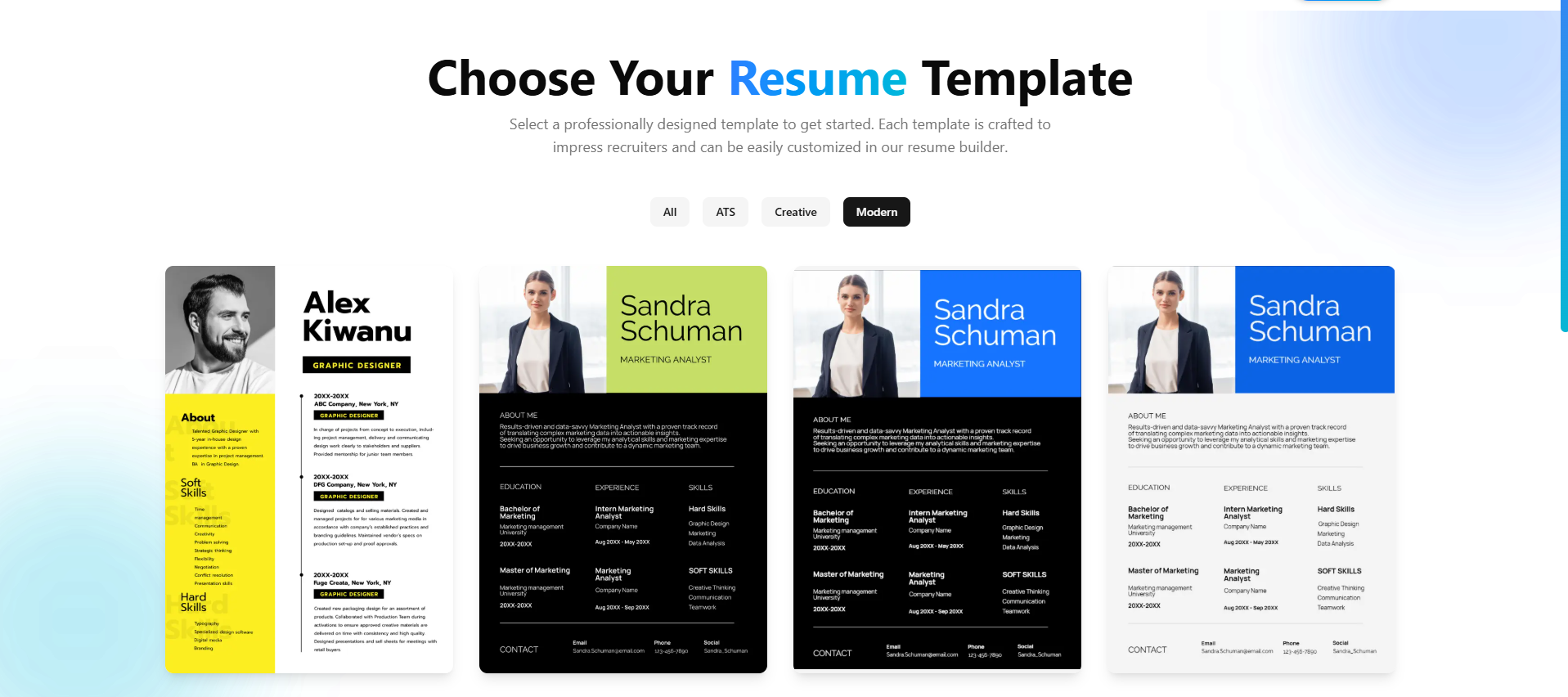
The biggest ATS failure comes from multi column layouts. Two columns look sleek, but they can confuse the parser and scramble your content. A single column layout is the safest format, and it is still the standard for high level professionals.
A simple layout allows the ATS to read the document top to bottom. That is exactly what you want.
- Use one column
- Keep a linear flow from summary to skills to experience
- Avoid sidebars or panels
If you need visual balance, use whitespace and bold headings, not columns.
Standard Headings Are Non-Negotiable
ATS systems are trained to recognize headings like Summary, Skills, Experience, and Education. If you get creative, you increase the chance the parser misses your section.
Use the standard terms. You can still add a subtitle or a short descriptor, but the main heading should be obvious.
Use these headings consistently:
- Summary
- Skills
- Experience
- Education
- Certifications
- Projects
These labels are not just for the ATS. Recruiters also scan for these exact sections.
Fonts That Pass Every System
The ATS does not care about typography, but it does care about text extraction. Use fonts that are known to parse cleanly.
Safe choices include:
- Arial
- Calibri
- Times New Roman
- Garamond
- Helvetica
Avoid decorative fonts. Avoid icons as bullets. Keep it simple and readable at 10 to 12 point size.
Margin and Spacing Rules That Preserve Structure
Some candidates shrink margins or tighten line spacing to fit more content. That can cause overlapping text that breaks parsing. A clean structure is more important than squeezing extra lines.
Recommended format rules:
- Margins between 0.5 and 1 inch
- Line spacing around 1.1 to 1.3
- Clear spacing between jobs and sections
Your resume should look breathable. That helps both ATS parsing and recruiter reading.
The File Type That Performs Best in 2026
In most cases, a clean PDF is the safest choice. It preserves structure and reads consistently across systems. However, some older ATS systems still handle DOCX better.
If you are unsure, test both. Many one-time purchase resume builders allow export to both formats. If the employer requests a specific format, follow their instruction. Otherwise, a clean PDF is usually best.
Why One-Time Purchase Templates Can Be Stronger
A one-time purchase template is often simpler by design. Subscription tools sometimes push heavy design features to stand out, which can hurt parsing. A well-built pay-once template focuses on structure and speed.
Benefits of one-time purchase templates:
- Clean hierarchy
- Stable formatting across versions
- Easy to duplicate for role specific variants
- No forced design elements
The key is to choose a template that prioritizes ATS compatibility over decoration.
The ATS Safe Resume Layout Blueprint
A layout that works for almost any industry looks like this:
- Header with name, contact info, LinkedIn, and location
- Summary with role title and top keywords
- Skills grouped by domain
- Experience in reverse chronological order
- Education and certifications at the end
Optional sections like Projects or Awards should be included only if they add relevant keywords.
Formatting Your Header Without Breaking Parsing
Your header should be plain text, not a separate graphic. Do not place your name inside a text box or a shape. Do not use an image for contact info.
Keep the format consistent:
Name City, State | Phone | Email | LinkedIn
This simple structure is the most reliable for ATS systems.
The Skills Section as a Keyword Index
Your skills section is where the ATS finds most of the hard skills. Keep it tight and grouped.
Example format:
- Data: SQL, Python, Tableau, dashboarding
- Product: user research, A B testing, roadmap planning
- Collaboration: stakeholder management, cross functional alignment
This format is easy for the ATS to read and easy for a recruiter to scan.
If you want to build deeper keyword density, use the same approach outlined in Essential Keywords for Resume Success in 2026.
Experience Formatting That Never Fails
Every job should use the same pattern:
Job Title, Company | City, State Month Year to Month Year
- Bullet 1
- Bullet 2
- Bullet 3
The ATS can read this pattern consistently. Avoid mixing date formats across roles. Avoid alignment tricks that push dates to the far right using tabs.
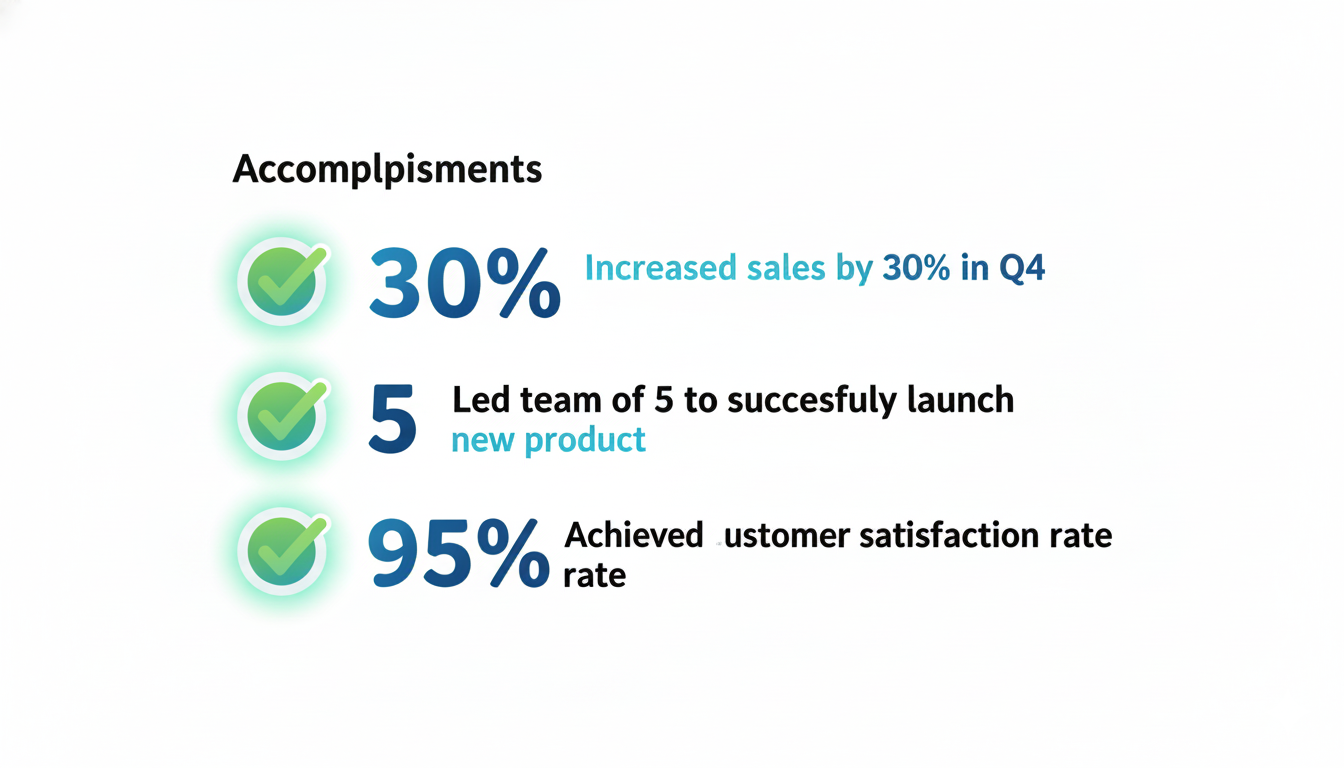
Use strong bullets with metrics, as described in How to Quantify Your Accomplishments on Your Resume.
Visual Emphasis Without Decorative Elements
You can make your resume look polished without confusing the ATS. Use bold for job titles and section headings. Use small caps or all caps sparingly. Do not use text shadows, colored boxes, or icons.
If you want subtle color, use it for headings only, and keep it a dark neutral shade.
ATS Formatting Do and Do Not List
Use this list as your formatting guardrail.
Do:
- Use one column
- Use standard headings
- Keep bullets in plain text
- Use consistent dates
- Export as clean PDF or DOCX
Do not:
- Use tables or text boxes
- Use icons for skills
- Put contact info in headers or footers
- Split content into columns
- Use images for section titles
How to Validate ATS Parsing Before You Apply
Before you submit, test your resume through a parser. Many online tools let you upload a resume and see how the ATS interprets it. You can also copy and paste your PDF into a plain text editor to see if the order makes sense.
If the content appears scrambled, fix the formatting before you apply. This small step can dramatically improve your match rate.
The One-Time Purchase Resume Checklist
Use this checklist every time you update your resume. It keeps formatting errors from slipping in.
- One column layout
- Standard headings
- Clear contact info in plain text
- Consistent date format
- Skills grouped and keyword aligned
- Clean PDF or DOCX output

Make Formatting Work With Keyword Strategy
Formatting and keywords work together. If your keywords are buried in a sidebar or placed inside a graphic, the ATS will never see them. Keep your keywords in the body text, and repeat the most important ones in the Summary and Skills sections.
For a deeper keyword strategy, review How to Use Keywords to Beat the Resume Bots.
Final Thoughts: Clean Formatting Wins in 2026
A one-time purchase resume template can absolutely pass ATS systems in 2026. The difference is how you format and structure the content. Simple layouts, standard headings, and clear keyword placement outperform flashy design every time.
If you focus on structure first, your resume will parse correctly, score higher, and reach a recruiter. That is the real advantage of ATS friendly formatting.
Build the clean version first, then refine your wording. The ATS will thank you, and so will your future employer.