

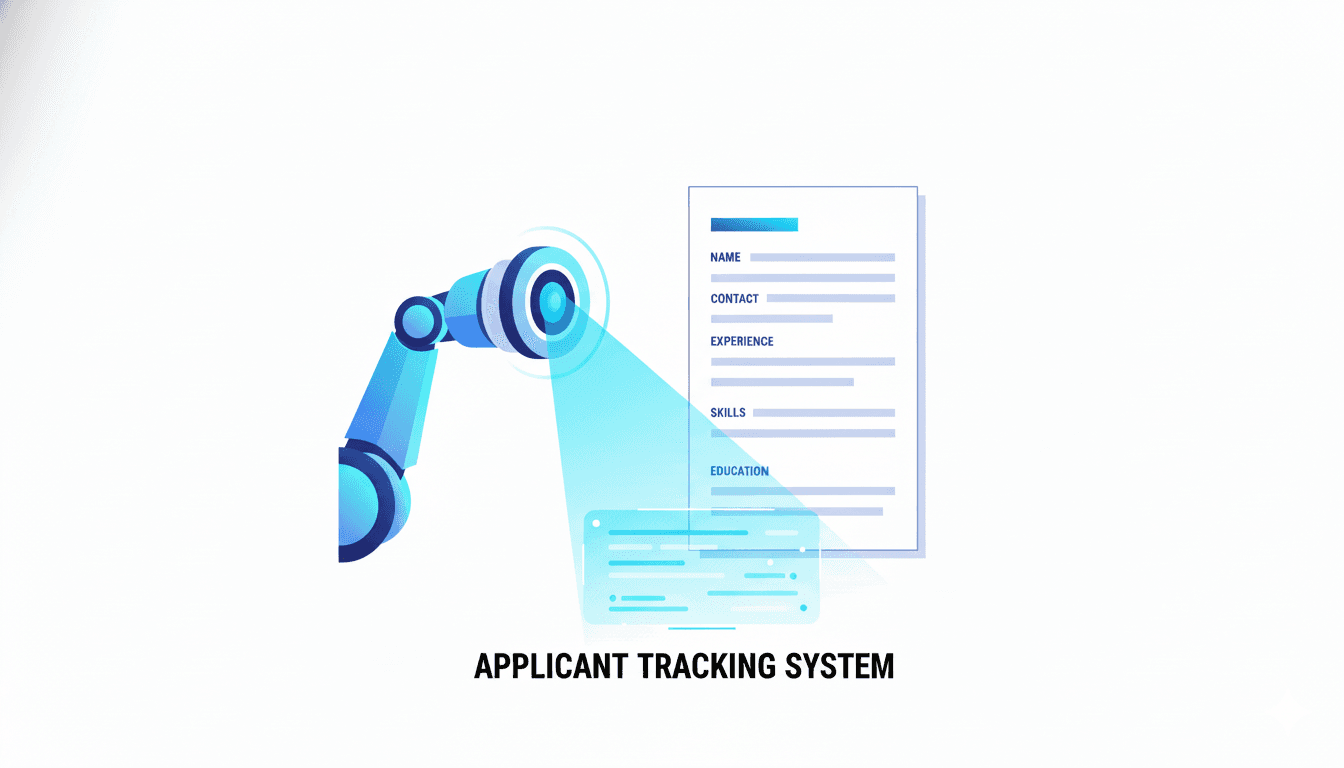
A cheap resume builder can still deliver premium results. In 2026, the job market is competitive, and the Applicant Tracking System (ATS) screens most applications before a human ever reads your resume. That means your resume must be both affordable to create and strong enough to rank. This guide shows you how to make a budget friendly resume that performs like a premium one.
This is not about cutting corners. It is about building a smart system. You will learn how ATS scanners work, which formatting rules protect your content, how to build keyword density the right way, and how to tailor your resume quickly without paying monthly fees.
If you want a modern resume that passes ATS filters without overspending, this is the playbook.
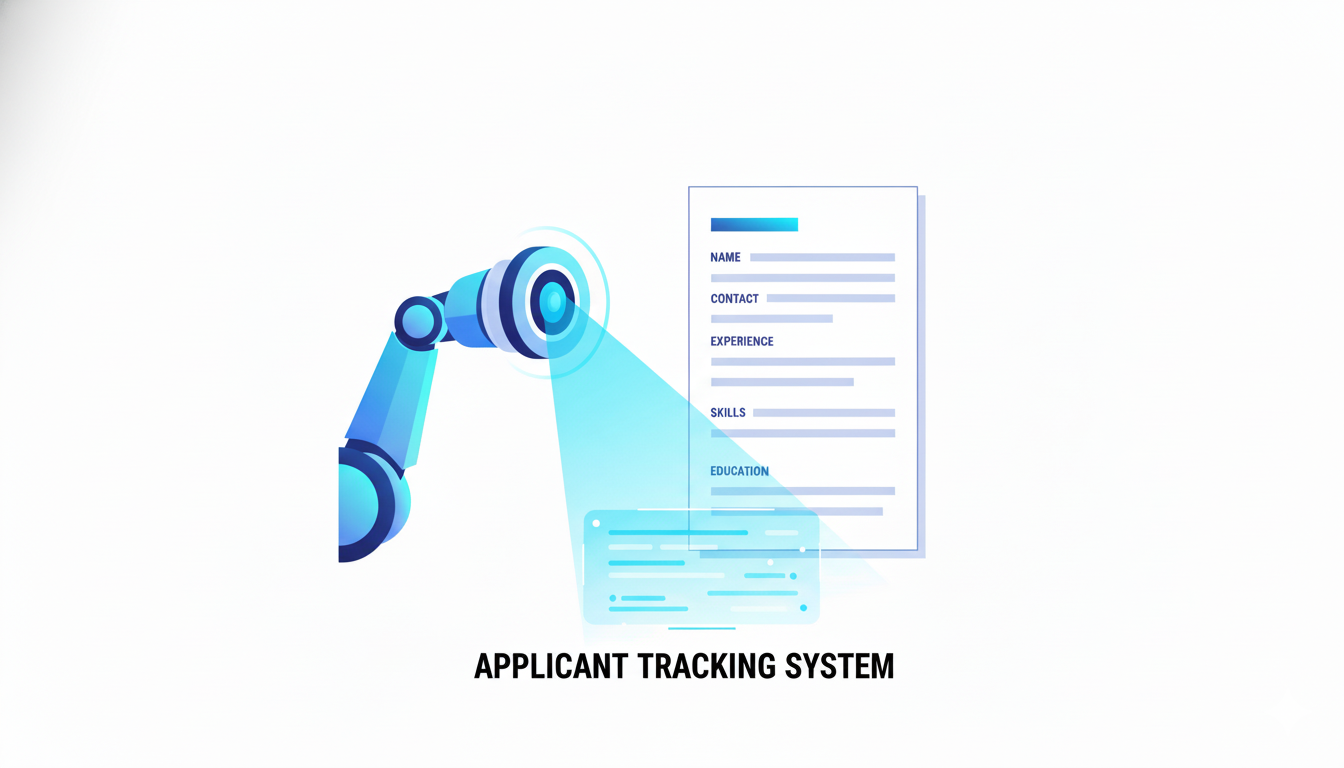
Why a Cheap Resume Builder Can Still Win
Price and performance are not the same. A low cost resume builder can succeed because ATS systems do not reward expensive design. They reward clarity, structure, and keyword alignment. If your builder gives you a clean template, editable sections, and export options, you can outperform a fancy tool every time.
The secret is to focus on what the ATS actually reads. It does not see your colors or graphics. It reads text, structure, and keyword placement. A cheap resume builder that keeps your content readable is more valuable than an expensive tool that hides keywords inside tables or images.
How ATS Systems Score Your Resume
ATS systems do three things quickly:
- Parse your resume into sections like summary, skills, experience, and education.
- Match keywords from the job description to your resume content.
- Assign a relevance score based on overlap and section weight.
That score determines whether your resume reaches a recruiter. If your resume is not readable or not keyword aligned, it is filtered out. This is why content and structure matter more than design.
The Cheap Resume Builder Checklist
Before you choose a tool, make sure it includes these features:
- Single column ATS friendly templates
- Editable section headings
- Flexible skills section
- Easy PDF and DOCX export
- Ability to duplicate and tailor versions
If your builder checks these boxes, you can build a high ranking resume without paying premium prices.
Use a Resume Structure the ATS Loves
A simple structure wins in 2026. The ATS needs predictable headings and clean flow.
Recommended order:
- Header with name and contact info
- Summary with role title and keywords
- Skills section grouped by category
- Experience with measurable bullets
- Education and certifications
Do not use sidebars or multi column layouts. They often cause parsing errors. A cheap resume builder with a clean template is your advantage here.
Summary: Your First Keyword Block
The summary section is one of the first places the ATS reads. It should include the role title and your top keywords. Use a short formula:
- Role title and specialization
- 2 to 3 key skills
- 1 measurable outcome
- 1 collaboration or leadership phrase
Example:
Marketing Analyst with expertise in lifecycle campaigns, SQL reporting, and A B testing. Improved activation by 15 percent through funnel optimization and segmentation. Known for cross functional collaboration and clear stakeholder communication.
This summary is keyword rich, ATS friendly, and concise.
Skills Section: Your Keyword Index
The skills section should read like an index of job terms. Use grouped categories instead of one long list.
Example format:
- Analytics: SQL, Tableau, cohort analysis, experimentation
- Marketing: lifecycle campaigns, segmentation, attribution, CRM
- Collaboration: stakeholder management, cross functional alignment
This format is easy for ATS systems to parse and easy for recruiters to scan.
Experience Bullets That Prove Impact
ATS systems care about keywords, but recruiters care about results. Use bullets that combine action verbs, role specific terms, and metrics.
Bullet formula:
- Action verb + keyword phrase + measurable impact
Examples:
- Built SQL dashboards for funnel analysis, cutting weekly reporting time by 40 percent.
- Led lifecycle campaigns using segmentation and A B testing, improving activation by 12 percent.
- Partnered with product and marketing teams to align roadmap priorities and increase retention.
These bullets rank well and read well.
Long Tail Keywords That Help You Rank
Short keywords are too generic. Long tail keywords match job descriptions more closely and improve ATS scores. Use phrases like:
- Remote team leadership
- Stakeholder aligned reporting
- B2B lifecycle optimization
- Cross functional analytics
- Customer retention strategy
Long tail terms signal that you match the exact role, not just the general field.
How to Extract Keywords from a Job Description
A cheap resume builder will not do this for you automatically, but the process is simple:
- Copy the job description into a notes file.
- Highlight repeated terms.
- Group them into tools, methods, and outcomes.
- Insert those terms into summary, skills, and top bullets.
This is the same strategy used in Essential Keywords for Resume Success in 2026. Apply it consistently to every role.
Formatting Rules That Protect Your Keywords
Even the best keywords fail if the ATS cannot read your file. Use these formatting rules:
- One column layout
- Standard headings like Summary, Skills, Experience
- No tables, text boxes, or icons
- Consistent date formatting
- Clean PDF or DOCX export
If you follow these rules, your cheap resume builder will outperform many premium tools.
How to Tailor Fast Without Paying Monthly
A one time purchase builder is strongest when you use a versioned workflow:
- Maintain a master resume with all experience
- Duplicate it for each role family
- Update summary and skills for each application
- Swap the top two bullets in your most recent role
This gives you speed without subscription fees. It also keeps your content consistent and accurate.
Cheap Resume Builder vs Free Templates
Free templates can look good, but many use heavy design elements that confuse ATS systems. A cheap builder often gives you cleaner structure, better export options, and easier editing.
If your goal is ATS success, the builder wins. It reduces formatting risk and makes tailoring faster.
Proof Your Resume Like a Recruiter
Before you apply, review your resume like a recruiter. Ask:
- Does the summary match the role title
- Are the top skills aligned with the job description
- Are metrics included in recent bullets
- Is the layout clean and readable
This simple check prevents the most common rejections.
The Role of AI Tools in a Cheap Resume Workflow
You can use AI tools for keyword suggestions, but you do not need a monthly subscription to benefit. Use a cheap builder for structure, then add keyword depth manually.
If you want a platform that combines speed and structure, CareerLyft provides tools to build ATS friendly resumes without overpaying. You can then use the output to create tailored versions for each role.
Why Headshots Still Matter in the Same Funnel
Your resume is one side of the job search. Your online presence is the other. A professional photo improves recruiter response rates and profile trust.
If you want a fast, affordable upgrade, CareerLyft AI Headshots can help you create a polished image that matches your resume quality.
Using both a strong resume and a professional headshot creates a consistent brand that recruiters remember.
The Cheap Resume Builder Mistakes That Hurt ATS Scores
Avoid these mistakes:
- Using two column templates
- Leaving a generic summary for all roles
- Stuffing keywords without context
- Using icons or graphics in the skills section
- Saving the file as a scanned PDF
Fixing these issues can raise your ATS score immediately.
A Simple Cheap Resume Builder Checklist
Use this checklist before you apply:
- Single column layout
- Standard headings
- Summary with target role title
- Skills section with job keywords
- Metrics in the top bullets
- Clean PDF or DOCX export
- File name that includes your name and target role
This list keeps your resume ATS ready.
Example Keyword Cluster for a Popular Role
If you are targeting a data analyst role, your keyword cluster might include:
- SQL, Python, Tableau, dashboarding
- Cohort analysis, retention, funnel analysis
- Stakeholder management, cross functional collaboration
- Reporting cadence, KPI tracking, experimentation
Build your summary and skills around that cluster and then prove it in your bullets.
How to Keep Your Resume Current in 2026
Keywords shift as industries evolve. Build a quick review cycle:
- Every two weeks, scan new job descriptions
- Update your keyword list
- Refresh your summary and skills
- Save a new version for the role
This keeps your resume aligned without paying recurring fees.
Final Thoughts: Cheap Can Still Be Elite
A cheap resume builder can produce a resume that ranks, converts, and earns interviews. The difference is in the strategy. When you focus on ATS friendly structure, keyword alignment, and measurable outcomes, you can outperform expensive tools.
Build a clean template, tailor it fast, and pair it with a strong online presence. For a fast start, use CareerLyft and complete your brand with CareerLyft AI Headshots. The result is a job search system that works in 2026 without the premium price tag.