

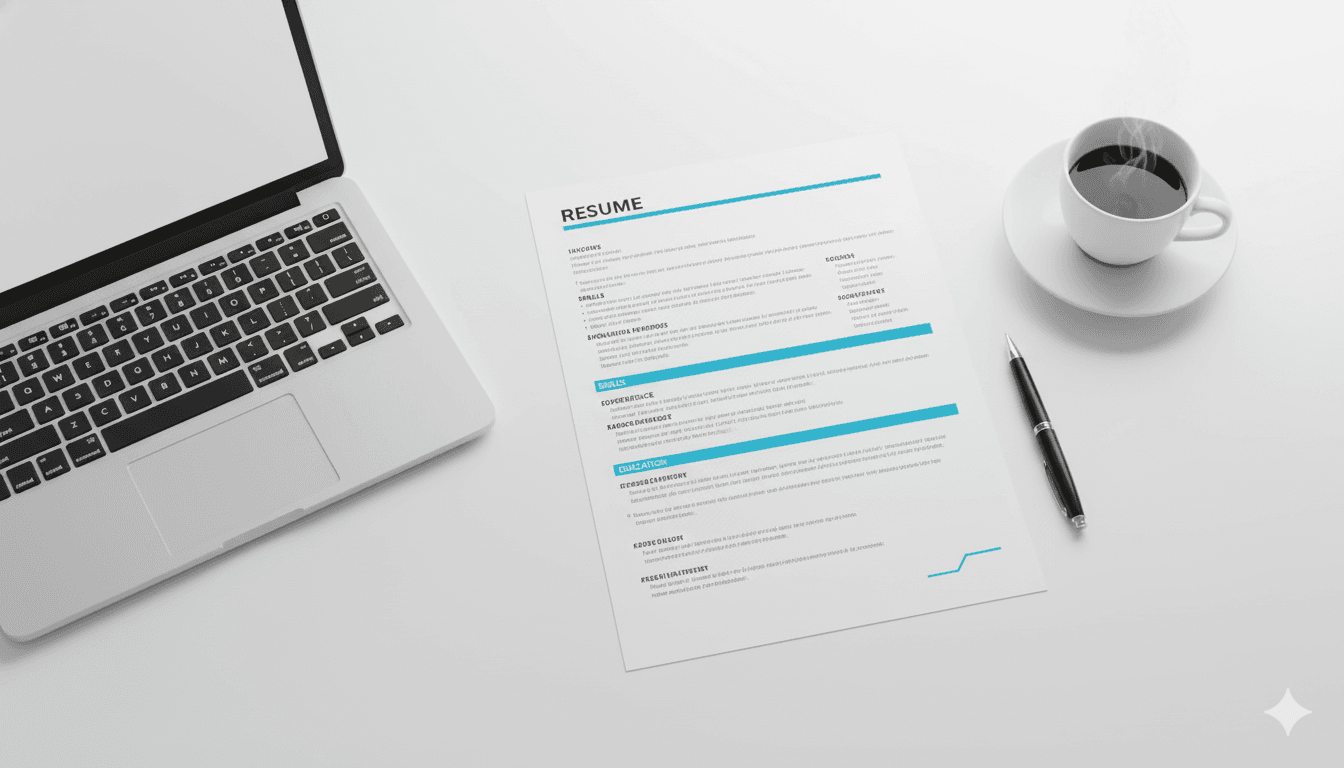
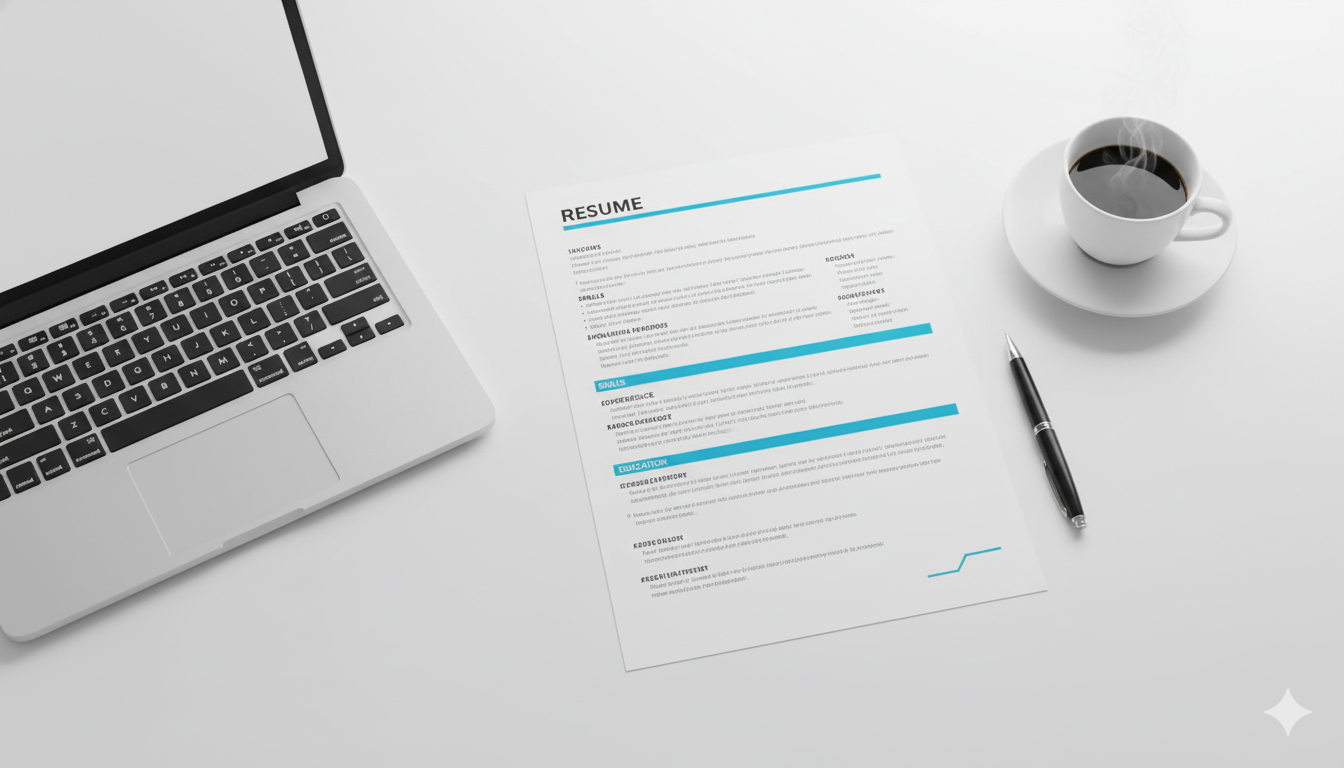
Design is not just decoration; it is communication. In 2026, the way your resume is formatted communicates as much as the words on the page. A chaotic layout says "disorganized." A dense layout says "poor communicator." A clean, structured layout says "professional."
CareerLyft.ai automates the design process for $1.99, ensuring your resume adheres to the strict formatting rules of the modern hiring ecosystem.
Rule 1: Mobile-First Readability
50% of resumes are first viewed on a mobile device. Recruiters check applications during their commute or between meetings. If your resume requires "pinching and zooming" to read, you lose. CareerLyft templates are designed with responsive typography. We use font sizes (11pt-12pt) and line heights (1.2-1.5) that remain legible on a 6-inch screen without breaking the layout on a desktop monitor.
Rule 2: Single Column vs. Double Column
The debate is settled.
- For ATS: Single column is safest. It ensures the parser reads top-to-bottom without getting confused by sidebars.
- For Humans: Double column is more readable because it reduces line length (optimal line length is 50-75 characters).
The Solution: CareerLyft uses "Hybrid Layouts." We use underlying code that presents a single-column structure to the ATS parser while rendering a visually pleasing two-column layout for the human PDF viewer. It is the best of both worlds.
Rule 3: The Death of Times New Roman
Times New Roman is the "sweatpants" of fonts. It works, but it says "I didn't try." In 2026, standard sans-serif fonts like Roboto, Open Sans, and Calibri are the gold standard. They are clean, modern, and render perfectly across all operating systems. Our builder restricts font choices to these "safe" yet professional options.
Rule 4: Consistent Information Hierarchy
The most common formatting error is inconsistency.
- Job 1: Manager - Google (Title bold, Company italic)
- Job 2: Sales Lead - Amazon (Title italic, Company bold)
This visual dissonance strains the reader's brain. CareerLyft enforces Global Styles. When you change a header style, it updates across the entire document instantly, guaranteeing 100% consistency.
Rule 5: Hyperlink Etiquette
Yes, you should include links to your LinkedIn or Portfolio. But do not paste the raw URL (e.g., https://linkedin.com/in/john-doe-12345). It looks messy.
Hyperlink the text "LinkedIn Profile" or use a shortened vanity URL. Our tool handles this formatting automatically, ensuring links are clickable in the PDF but don't clutter the visual design.
Conclusion: Let the Tool Do the Work
You are a professional in your field, not a graphic designer. Don't waste hours fighting with margins in Word. For $1.99, let CareerLyft.ai handle the pixels so you can focus on the promotion.