

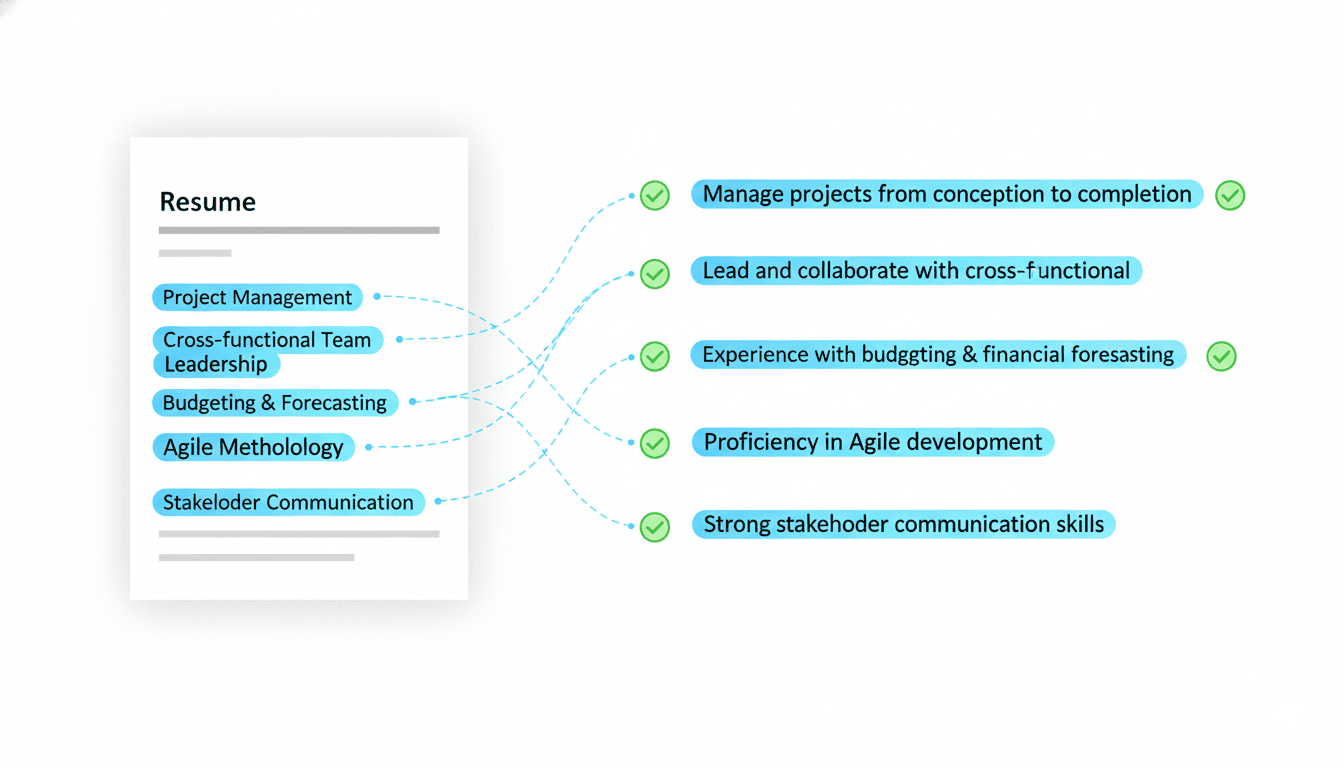
In 2026, the ATS is your first audience. Before a recruiter reads your resume, a parser reads it and a scoring system ranks it. If your content does not match the job description, you are filtered out. That is why a keyword strategy is not optional. It is the core of an ATS compatible resume.
Many job seekers think they need a subscription tool to keep up. You do not. A pay-once resume builder can work just as well if you follow a repeatable keyword playbook. This guide shows you how to build a one-time purchase resume that ranks, without stuffing or gimmicks.
The Keyword Gap That ATS Systems Exploit
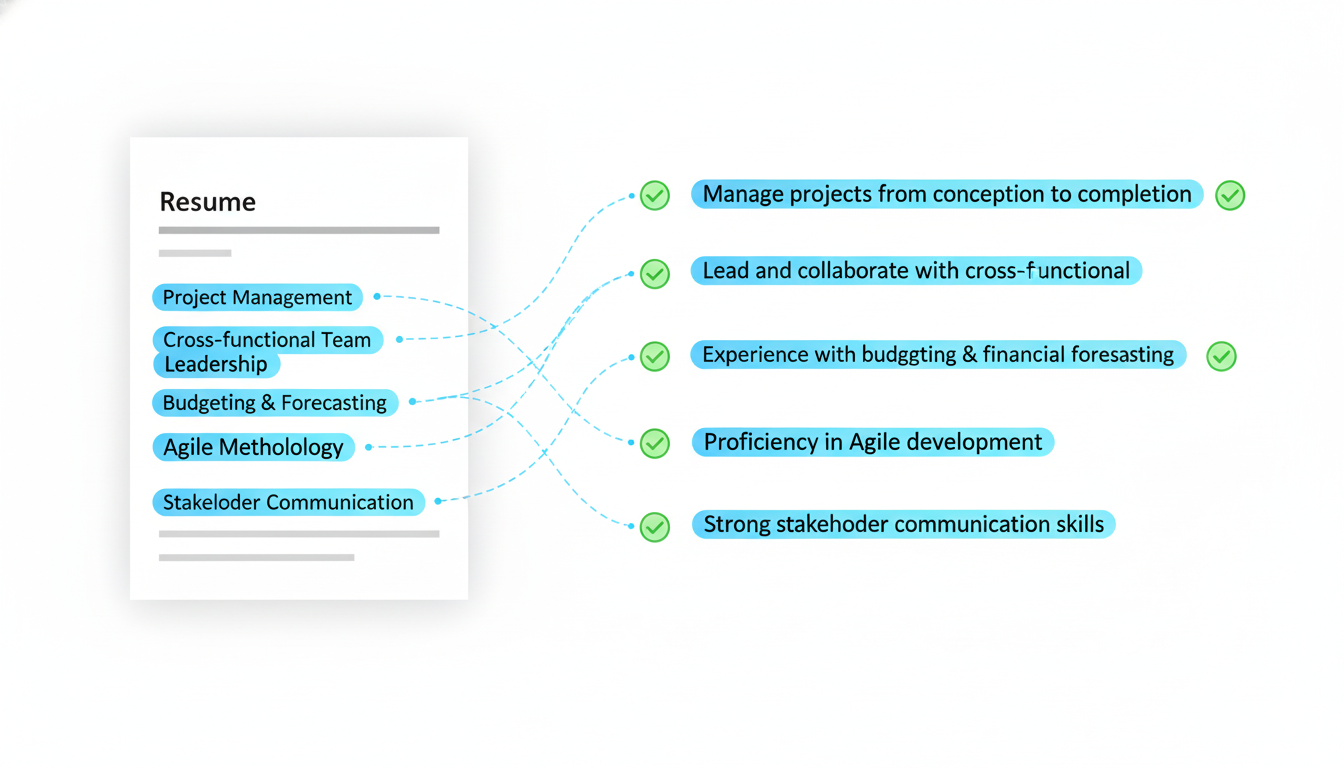
ATS systems compare your resume to the job description. They look for keyword overlap, role titles, and skill phrases. If your resume is missing key terms, the system scores you lower.
This is not about tricking the system. It is about speaking the same language the employer uses. Your task is to close the keyword gap while still telling your story.
Start by understanding this basic equation:
- The job description is the scoring rubric
- Your resume is the answer sheet
When you match the rubric, you score higher. When you do not, you get screened out.
Build a Keyword Map for Every Role
A keyword map is a simple document that aligns job requirements to your experience. It is the fastest way to make a pay-once resume work across multiple applications.
Create a two column list. On the left, place the job description keywords. On the right, place where those keywords will appear in your resume.
Example keyword map structure:
-
Job keyword: stakeholder management
-
Resume placement: summary, skills, bullet in last role
-
Job keyword: SQL
-
Resume placement: skills section, project bullet
-
Job keyword: forecasting
-
Resume placement: experience bullet with outcome
This map takes 10 minutes and can be reused whenever you apply to similar roles.
Use Keyword Clusters Instead of Single Terms
ATS systems often score clusters, not isolated words. For example, a role that mentions marketing analytics will likely score for:
- marketing analytics
- funnel analysis
- attribution
- experimentation
- SQL or Python
When you build your resume, include cluster terms in a natural way. This improves your match score and shows real domain knowledge.
If you need a reference, start with Essential Keywords for Resume Success in 2026 and build clusters from there.
The Best Places to Insert Keywords
ATS systems parse sections in order. The earlier a keyword appears, the stronger the signal. Focus on these sections:
- Summary
- Skills
- First two experience bullets
- Recent project or certification
Avoid dumping keywords into a long list at the bottom. That looks like stuffing and does not help the human reader. The best keywords are embedded in context.
A Pay-Once Resume Format That Keeps Keywords Clean
A one-time purchase template should be simple and stable. Complex formatting can hide keywords from the parser. Keep the layout minimal:
- Single column
- Standard headings
- Consistent dates
- No tables or text boxes
This keeps your keywords visible and readable. Use bold for section headers and job titles only. The goal is clarity.
Write Keyword Rich Bullets Without Stuffing
ATS systems value both keywords and actions. A bullet that uses a keyword but lacks an action or outcome is weak. A strong bullet combines three elements:
- Action verb
- Keyword phrase
- Business impact
Examples:
- Led lifecycle campaigns using segmentation and A B testing, improving activation and reducing churn.
- Built SQL reporting for weekly funnel analysis and improved conversion visibility for leadership.
- Optimized attribution models to improve ROI analysis and budget allocation.
These bullets are keyword rich, but they still read naturally. That is the balance you want.
Use Role Titles That Match the Market
ATS systems often match on job titles. If your title is unique or internal, add a market aligned title. Example:
- Internal title: Growth Ninja
- Market title: Growth Marketing Manager
You can format it as:
Growth Marketing Manager (Growth Ninja)
This keeps your resume aligned with the job description and helps the ATS score you correctly.
The Skills Section Is Your Keyword Index
Your skills section is a machine readable list of what you do. Treat it like an index. Group by theme and keep it clean.
Example skills section format:
- Analytics: SQL, Python, Tableau, dashboarding, experimentation
- Marketing: lifecycle campaigns, segmentation, attribution, CRM
- Collaboration: stakeholder management, cross functional leadership
Avoid vague terms like hard worker or team player. Keep it specific and job aligned.
Use Projects to Cover Missing Keywords
If you are missing a keyword from your work experience, add a short Projects section. This gives you room to include new tools or methods without misrepresenting your job history.
A good project bullet looks like this:
- Built a cohort analysis model in SQL and Tableau to track retention trends and present findings to leadership.
This is honest, keyword rich, and ATS friendly.
Quantify to Signal Real Impact
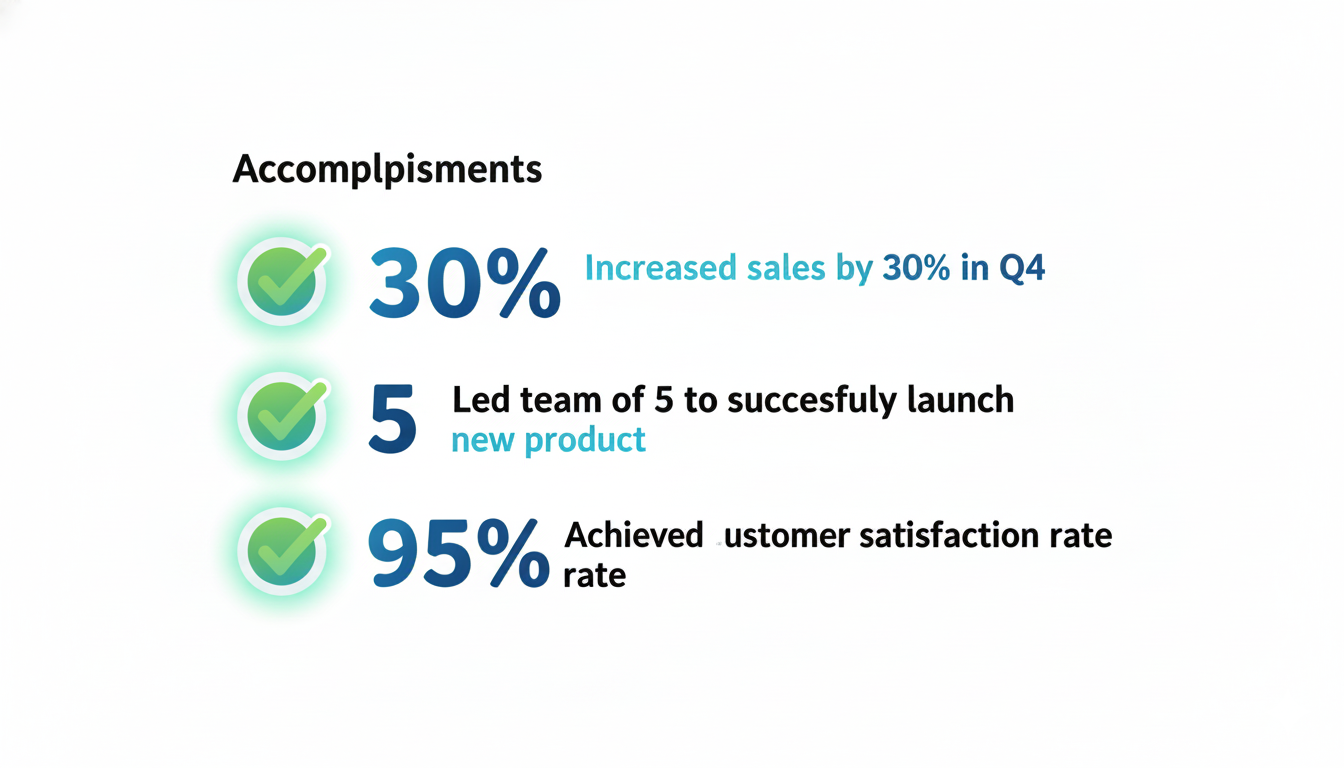
ATS systems do not evaluate quality of outcomes, but recruiters do. Numbers validate your keywords. Include metrics whenever possible.
If you need guidance, review How to Quantify Your Accomplishments on Your Resume.
A Pay-Once Tailoring Workflow That Scales
A one-time purchase resume builder should allow you to create multiple versions. The fastest approach is a role family system.
- Create a master resume with full history
- Create a version for each role family you target
- Adjust keywords per job description
- Update summary and top bullets only
This keeps your workflow fast and avoids rewriting your resume from scratch each time.
Avoid These Keyword Mistakes
ATS keyword mistakes are common. Avoid these and your score will improve immediately:
- Using acronyms only without the full term
- Listing tools without context
- Repeating a keyword too many times
- Ignoring soft skill phrases the role highlights
If the job description says stakeholder management, include that exact phrase. If it says project management, include that exact phrase. Use both full terms and acronyms when appropriate.
How to Keep Keywords Fresh With a One-Time Purchase Resume
Job descriptions change. Your resume needs to adapt. A pay-once tool can still keep you current if you follow a simple review cycle.
- Every two weeks, scan new job postings
- Update your keyword map with new terms
- Refresh your summary and skills section
- Reuse the same template and formatting
This keeps your resume aligned without recurring costs.
Example Keyword Checklist Before You Apply
Use this checklist as a final filter. It prevents keyword gaps from slipping through.
- Does the summary include the target role title
- Are the top five job keywords in the skills section
- Are the top two experience bullets aligned with the job description
- Are the tools and platforms spelled out fully
- Are relevant soft skills included in context

When to Use a One-Time Purchase Builder vs Subscription
If you are actively changing roles every month, a subscription can feel convenient. But if you want ownership, a pay-once resume builder is a better long term asset. The key is discipline. You need a clear keyword strategy and a repeatable process.
A one-time purchase model is especially strong for:
- Career switchers with a clear target role
- Professionals in stable industries
- Job seekers who want full control of their files
Final Thoughts: Keywords Create Visibility
ATS systems are not emotional. They are matching engines. The more your resume matches the job description, the higher you rank. A pay-once resume builder can deliver results if you treat keywords as the core of your resume.
Use the keyword map, build clusters, and place the terms in the right sections. Keep your format simple and your bullets outcomes focused. That is how you turn a one-time purchase resume into a high performing ATS asset.
If you want to build faster, use CareerLyft to generate a clean ATS template, then apply this playbook to tailor it. Own your resume and own your results.