

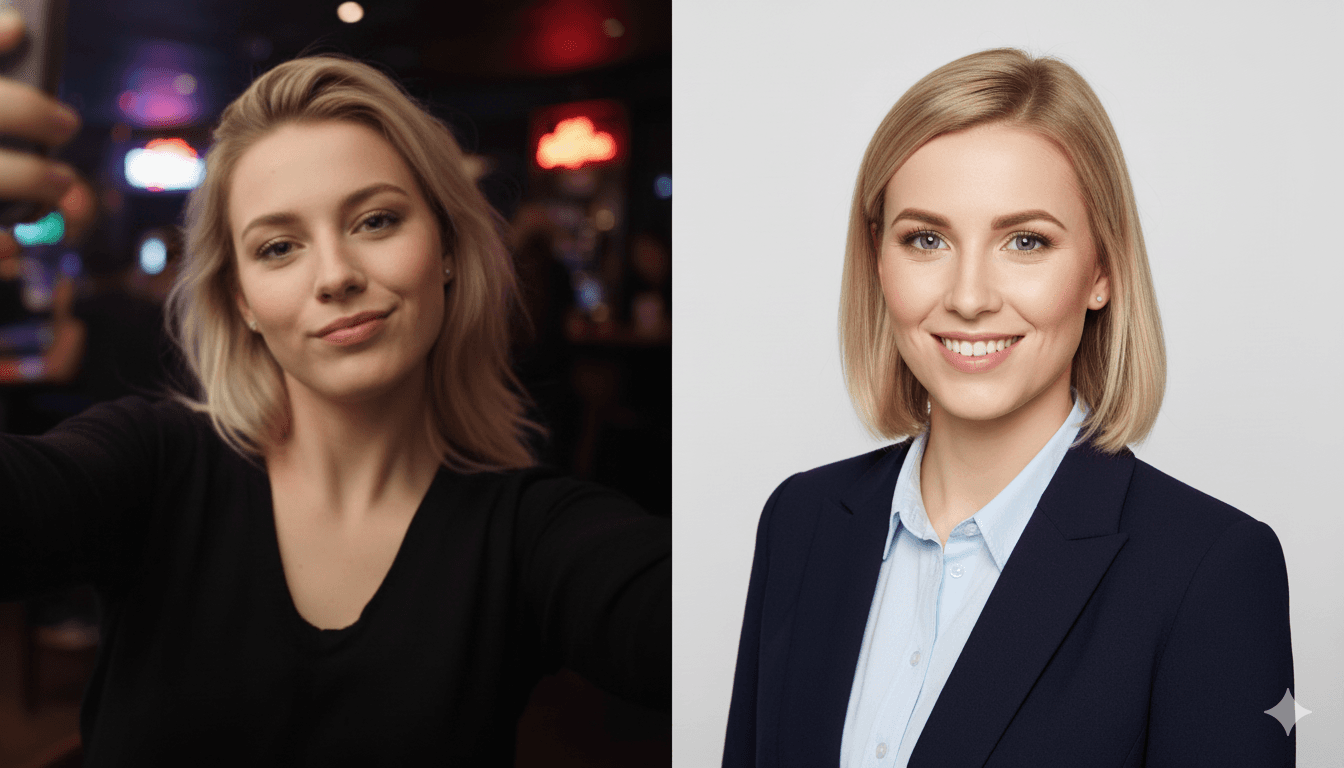
Before a recruiter reads your resume, before they analyze your experience, and before they click a single link in your portfolio, they see your face. In the hyper-competitive, digitally-driven job market of 2026, your LinkedIn profile picture is your first impression. It is your virtual handshake, your digital business card, and a powerful piece of personal branding real estate, all distilled into a tiny square.
And in the split second it takes for a brain to process that image, a story is told. Is it a story of professionalism, confidence, and meticulous attention to detail? Or is it one of haste and unprofessionalism?
The data is overwhelmingly clear: this single visual element has a colossal impact on your career opportunities. A LinkedIn profile with a professional headshot receives up to 21 times more profile views and 9 times more connection requests. Even more critically, a staggering 70% of recruiters admit to rejecting candidates based on their profile photo. Your headshot isn't just a picture; it's a gatekeeper to opportunity.
The Deep Psychology of a Profile Picture: What Your Photo Says About You
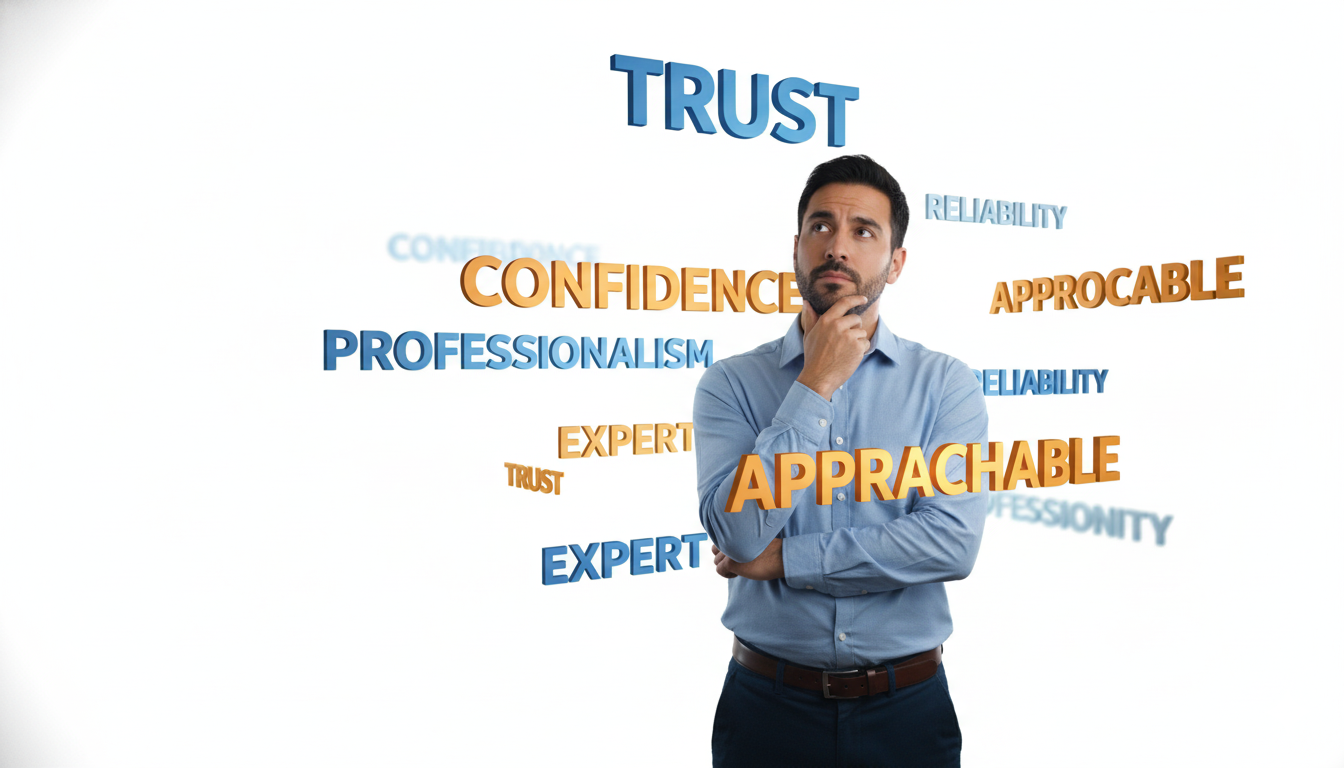
The human brain is hardwired for visual shortcuts. When a recruiter or potential client glances at your profile, they are making lightning-fast judgments about your competence, trustworthiness, and likeability (the "know, like, and trust" factor). This isn't unfair; it's neuroscience. Understanding the psychological cues your photo sends is the first step to controlling your narrative.
- Eye Contact Creates Connection: Direct eye contact with the camera builds a subconscious sense of trust and connection. A photo where you're looking away can be perceived as shifty, distracted, or unconfident.
- The Power of a Smile: A genuine smile, particularly one that reaches your eyes (a "Duchenne smile"), is the most powerful tool in your arsenal. It signals approachability, warmth, and confidence. A closed-mouth smile can work, but a toothy, genuine grin is generally perceived as more trustworthy.
- What Your Clothes Communicate: Your attire should match your industry and career goals. For corporate roles (finance, law), a suit and tie or a blazer is often appropriate. For creative or tech roles, a smart collared shirt or blouse might be better. The key is to look polished and professional for the role you want. Messy t-shirts or distracting patterns can signal a lack of seriousness.
- The Subtlety of Body Language: Even in a tight headshot, posture matters. Tilted shoulders, a slightly forward lean, and an open posture convey engagement and confidence. A slumped or closed-off posture can project insecurity.
- Backgrounds Set the Scene: A busy, cluttered background is distracting and unprofessional. A clean, simple, or subtly blurred background keeps the focus where it should be: on you. Neutral colors like gray, white, or blue are safe and effective choices.
These micro-expressions and visual cues combine to form an immediate, powerful impression that can either open doors or close them before you've even had a chance to speak.
A Practical Guide to Taking a High-Quality Source Photo for AI
The revolutionary power of AI headshot generators like CareerLyft.ai is that they can transform simple selfies into studio-quality portraits. However, the quality of the output is directly related to the quality of the input. "Garbage in, garbage out" still applies. To get the best results, you need to provide the AI with high-quality source images.
Here's your step-by-step guide:
- Harness Natural Light: This is the single most important tip. Forget your phone's flash. Find a window with indirect sunlight. Face the window so the light is hitting your face evenly. This softens shadows and creates a flattering, natural look.
- Keep the Background Simple: Stand in front of a plain wall (white, gray, or beige is ideal). Avoid cluttered rooms, distracting artwork, or outdoor scenes with too much going on. The AI needs to clearly distinguish you from your surroundings.
- Get the Angle Right: Hold your phone at or slightly above eye level. Photos taken from below are rarely flattering. For a classic headshot look, frame yourself from the chest up.
- Expression is Everything: Your goal is to provide a range of expressions for the AI to work with. Take some with a genuine, toothy smile, some with a gentle, closed-mouth smile, and some with a more neutral, confident expression.
- Quality over Quantity (Sort of): Take more photos than you think you need, but focus on clarity. Ensure your face is in focus and the image is not blurry. A modern smartphone is perfectly capable of taking excellent source photos. Just tap on your face on the screen to lock the focus before taking the shot.
By following these simple steps, you provide the CareerLyft.ai engine with the high-quality data it needs to generate a diverse portfolio of stunning, professional headshots for you.
Brand Consistency: Using Your Headshot Beyond LinkedIn
Your professional brand doesn't stop at your LinkedIn profile. Consistency is key to building a memorable and recognizable personal brand. A single, high-quality headshot used across all professional platforms creates a cohesive and trustworthy image.
Consider all the places your headshot can and should appear:
- Email Signature: Adding your professional headshot to your email signature adds a personal, trustworthy touch to every message you send.
- Personal Website or Portfolio: Your "About Me" page is instantly more engaging with a professional photo.
- Conference and Webinar Speaker Bios: Event organizers will always ask for a headshot. Providing a high-resolution, professional one immediately elevates your credibility.
- Guest Blog Posts: An author bio with a professional photo gets more engagement.
- Internal Company Directories (Slack, Teams): Present yourself professionally to your colleagues.
With a tool like CareerLyft.ai, you don't just get one photo; you get a portfolio. This allows you to choose the perfect image for each context—perhaps a more formal, blazer-clad shot for LinkedIn, and a slightly more relaxed, smiling shot for your personal blog, all while maintaining a consistent and professional look.
Frequently Asked Questions (FAQ)
1. What should I wear for my headshot source photos? Wear a solid-colored shirt, blouse, or blazer. Avoid busy patterns, large logos, or anything that will quickly look dated. It's often a good idea to take photos in a few different tops to give the AI more to work with. The AI can often change your outfit, but starting with a professional top helps.
2. Should I wear my glasses? If you wear glasses every day, then yes, wear them in your photos. They are part of your look. Just be mindful of glare from the lenses. Wiping them clean and using indirect natural light will minimize this.
3. How often should I update my headshot? A good rule of thumb is to update your professional headshot every 2-3 years, or after any significant change in your appearance (e.g., new hairstyle, grew a beard). An outdated photo can be jarring for someone who meets you in person for the first time.
4. Is it worth paying for AI headshots when I can just use a selfie? Absolutely. A selfie screams "amateur." An AI-generated professional headshot demonstrates that you are invested in your personal brand and understand the nuances of professional presentation. Given that candidates with professional headshots are nearly twice as likely to receive interview invitations, it's one of the highest-ROI investments you can make in your career.
The Modern Solution: Accessible, Affordable, Professionalism
Traditionally, a professional headshot was a luxury, involving hundreds of dollars and a time-consuming studio session. AI has democratized professional branding. With the AI Headshot Generator from CareerLyft.ai, you can achieve studio-quality results in minutes, for less than the cost of a few cups of coffee.
Your first impression is too valuable to be left to a poorly lit selfie. Take control of your professional narrative.
Ready for a close-up? Visit https://careerlyft.ai and create your portfolio of professional AI headshots today!