

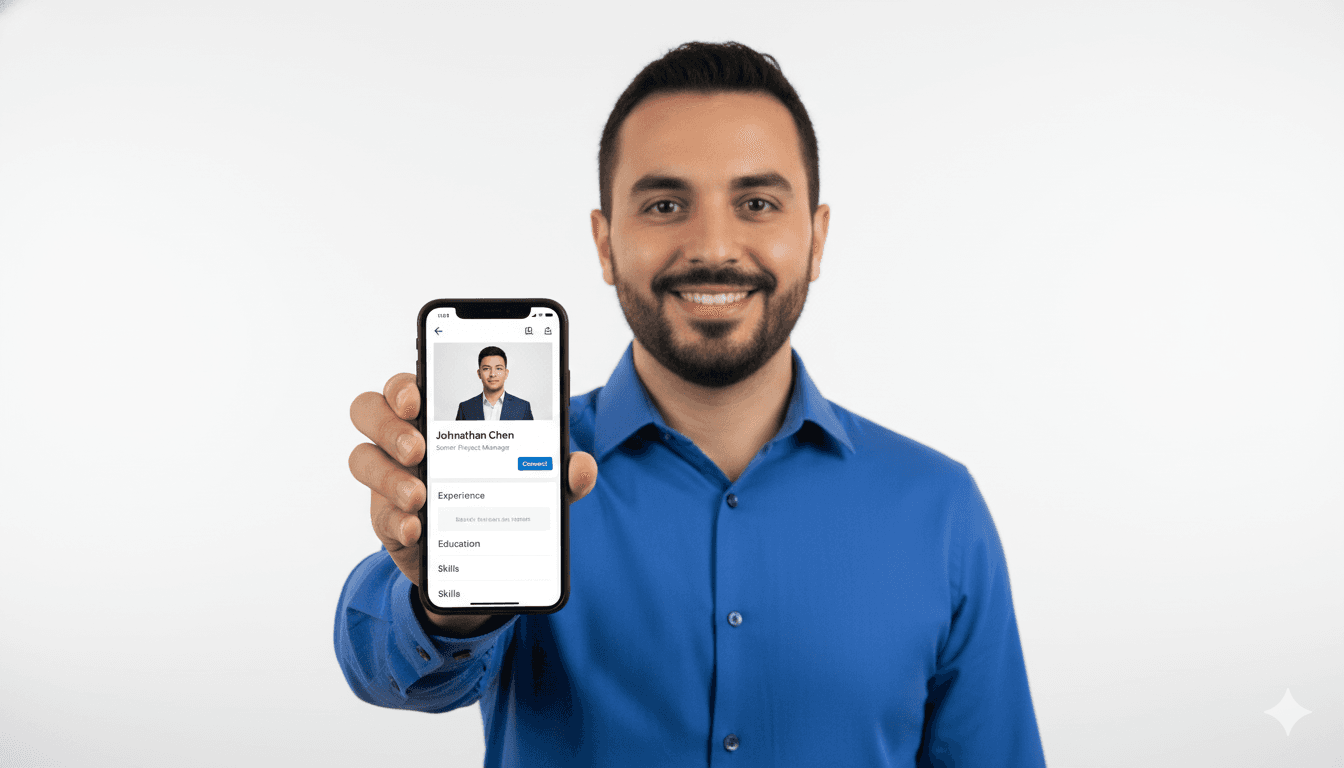
In 2026, LinkedIn is no longer just a "resume site." It is a massive, AI-driven networking ecosystem where deals are made, talent is found, and personal brands are built. And in this ecosystem, your profile picture is your most valuable asset.
Studies have shown that LinkedIn profiles with professional headshots receive 21 times more profile views and 9 times more connection requests than those without. In a split-second scroll, your photo tells a recruiter if you are professional, approachable, and "fit" for the role you want.
But you don't need a thousand-dollar camera to get a high-performing photo. In this guide, we will show you how to leverage AI headshot technology to create a world-class LinkedIn profile and share the best practices for maximizing your digital impact.
Part 1: Why Your Current Photo Might Be Holding You Back
Before we look at the AI solutions, let's identify the "LinkedIn Photo Crimes" that are common in 2026. If your current photo fits any of these descriptions, you are likely losing opportunities:
- The "Wedding Crop": You look great in your suit, but there's a mysterious shoulder of a bridesmaid in the corner of the frame.
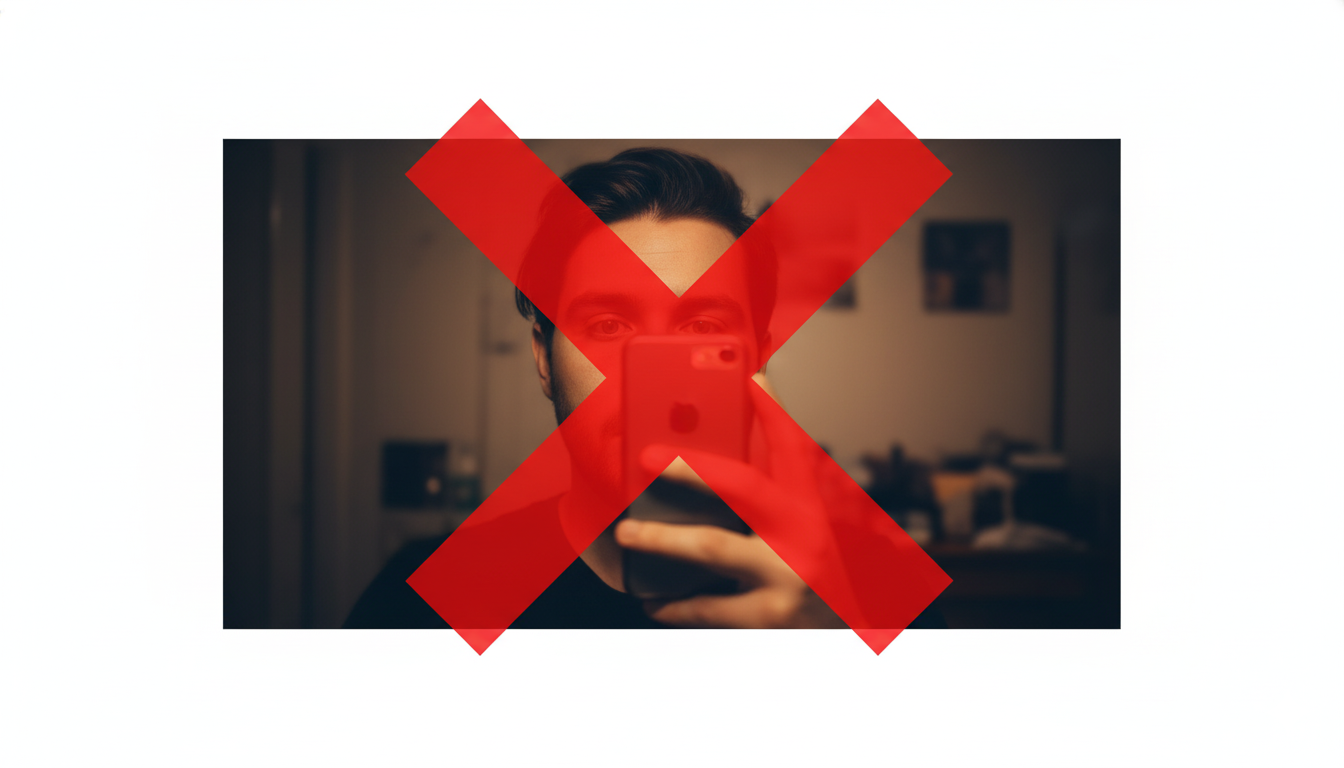
- The "Bathroom Selfie": The lighting is harsh, the background is cluttered, and the mirror reflection is visible.
- The "Ancient History": Your photo is from 2018. You look significantly different now, which creates a "trust gap" when you show up to a video interview.
- The "Low-Res Ghost": The photo is blurry or pixelated, signaling a lack of attention to detail.
Part 2: How to Get the Best Results from AI Headshots
AI is only as good as the data it's given. To get a studio-quality result from a tool like CareerLyft, you should follow these "Source Selfie" rules.
Rule 1: Variety is Key
Don't upload 10 photos from the same 5-minute session. Upload photos from different days, with different lighting and slightly different facial expressions. This helps the AI understand the 3D structure of your face.
Rule 2: Master the Lighting
Your source photos don't need to be professional, but they do need to be clear. Natural sunlight is your best friend. Stand facing a window during the day. Avoid "top-down" lighting that creates dark circles under your eyes.
Rule 3: Eye Level is the Right Level
Hold your phone at eye level. Selfies taken from a "high angle" or "low angle" can distort your features, making it harder for the AI to generate a realistic professional version of you.
Rule 4: No Sunglasses or Hats
The AI needs to see your eyes and your hairline to create a believable professional headshot. Save the cool shades for your Instagram.
Part 3: Choosing the Right "Vibe" for Your Industry
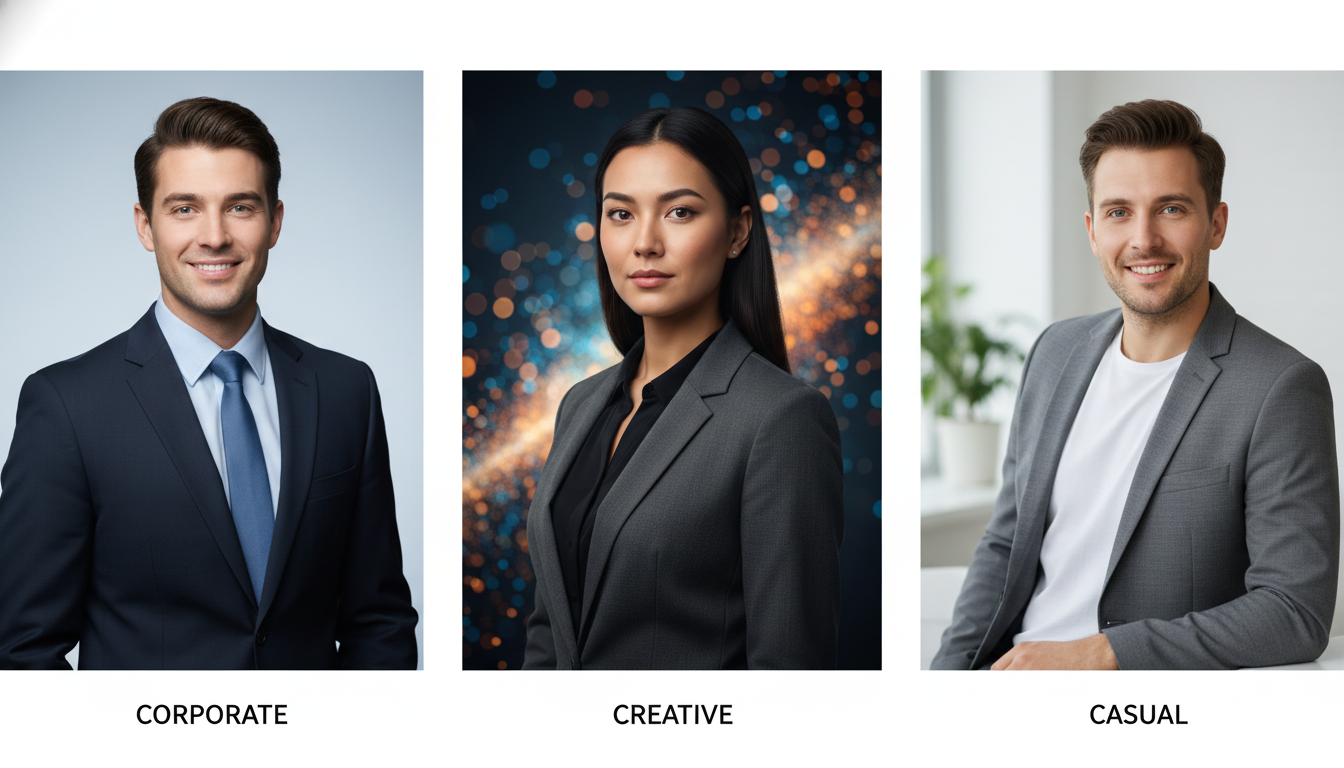
One of the best features of AI headshot generators like CareerLyft is the ability to choose your background and style. However, what works for a Software Engineer might not work for a Corporate Lawyer.
The "Creative & Tech" Look
- Background: Natural outdoor settings, modern "co-working" spaces, or minimal studio greys.
- Outfit: "Power Casual"—a high-quality t-shirt with a blazer, or a modern sweater.
- Pose: Approachable, slight smile, looking directly at the camera.
The "Corporate & Finance" Look
- Background: High-end office interiors, architectural backgrounds, or classic solid colors (Blue/Grey).
- Outfit: Formal business attire—a tailored suit and tie or a professional blouse and blazer.
- Pose: Confident, authoritative, "Power Pose" lighting.
The "Startup & Entrepreneur" Look
- Background: Urban settings, vibrant colors, or "In-Action" office shots.
- Outfit: Smart casual—button-downs, polo shirts, or stylish outerwear.
- Pose: Energetic, friendly, and authentic.
Part 4: The Psychology of the "Approachable Expert"
In 2026, the most successful LinkedIn photos find the balance between "Expertise" and "Approachability." You want to look like someone who can solve a $1M problem and someone who is pleasant to have a coffee with.
The Science of the Smile
Research indicates that a "Duchenne Smile" (a smile that reaches your eyes) increases perceptions of trustworthiness. If you look too serious, you may seem "rigid." If you laugh too hard, you may seem "unprofessional." The AI can help you find that perfect middle ground.
The Power of Eye Contact
Direct eye contact in a profile picture signals confidence and honesty. Ensure your chosen AI headshot has clear, sharp eyes that appear to be looking directly at the viewer.
Part 5: Beyond the Profile Picture: Using Your AI Assets
When you use CareerLyft, you get a pack of multiple photos. Don't just let them sit in your downloads folder.
- The "Banner" Strategy: Use one of your "Environmental" AI shots (like you sitting in a modern office) as your LinkedIn Banner background. This creates a consistent, high-end "Personal Brand" feel.
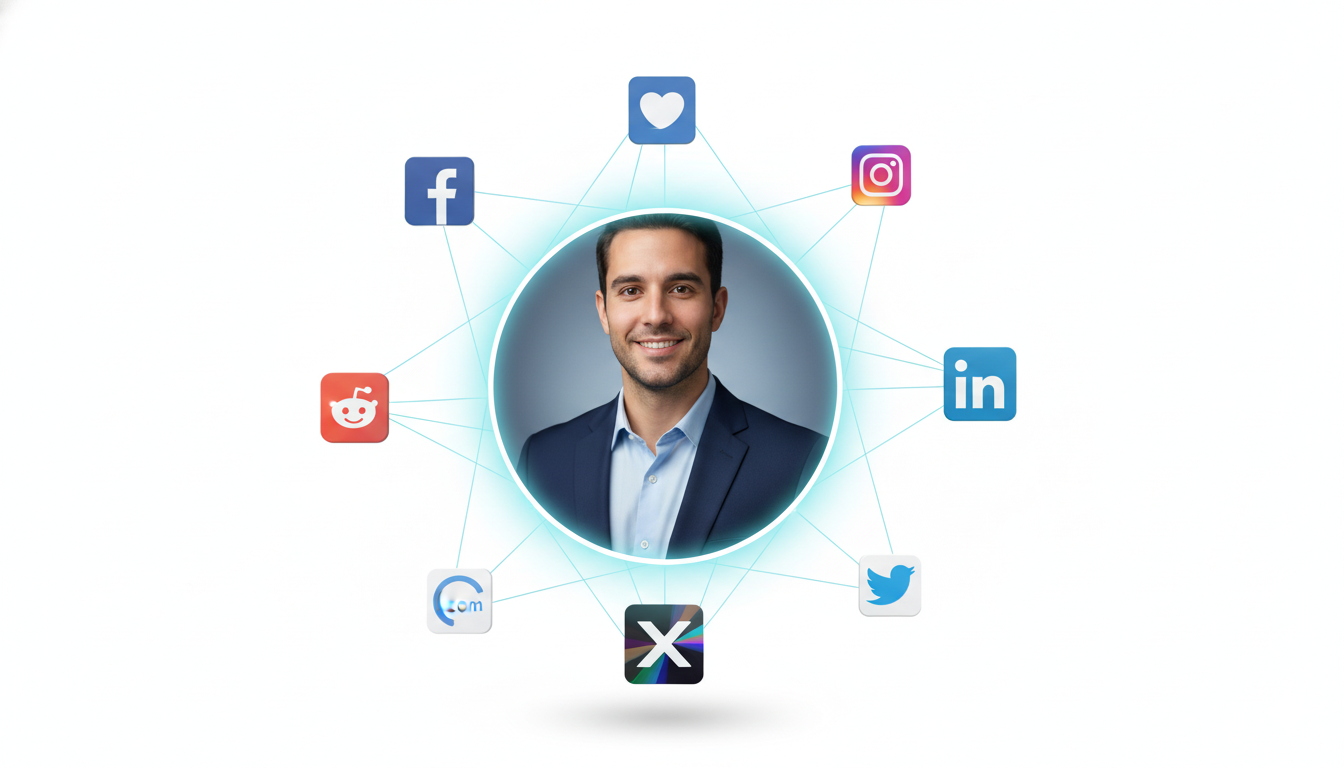
- The "Across-Platform" Sync: Use the same headshot for your Slack, Microsoft Teams, Zoom, and company directory. This makes you "recognizably you" across the entire organization.
- The "Speaker" Profile: Use your most formal shot for conference applications, guest blog posts, and podcast appearances.
Part 6: Best Practices for Uploading to LinkedIn
- The "60% Rule": Your face should take up about 60% of the circular frame. Don't be a tiny dot in the distance.
- Adjust the Contrast: LinkedIn's upload tool has a basic editor. Don't be afraid to slightly increase the "Contrast" and "Brightness" to ensure your photo stands out against the white background of the site.
- Check for "Mobile Readability": Most people will see your photo on a small phone screen. Shrink the photo on your computer to see if it still looks professional and recognizable at 1 inch in size.
Part 7: The Future of Professional Identity
As we look toward 2027 and beyond, our digital identities will only become more important. We are moving toward a world of "Virtual Workspaces" where your 3D avatar might even be based on your AI headshots.
But for today, the goal is simple: Reduce Friction. A great headshot removes the "friction" of a recruiter wondering if you are a professional. It builds immediate trust. It starts the conversation.
The LinkedIn Photo Checklist
- [ ] Does my photo look like me in 2026?
- [ ] Is my face taking up 60% of the frame?
- [ ] Does the background match my industry "vibe"?
- [ ] Have I used the same photo across my professional tools?
- [ ] Does my photo have a "High-Signal" professional lighting setup?
Frequently Asked Questions
Can I use AI headshots if I wear glasses?
Yes! Modern AI is excellent at handling eyewear. Just ensure that some of your "source" selfies also have you without glasses, so the AI understands the shape of your eyes and can avoid "glare" issues.
What if I want to change my hair color?
AI can do that! If you're planning a new look, you can prompt the AI to generate headshots with your new hair color or style. It's a great way to "test" a new professional look before you commit to it in real life.
How often should I update my LinkedIn headshot?
In 2026, the standard is once a year or whenever you have a major life change (new job level, major hair change, etc.). Since AI headshots are so affordable, there's no reason to have a 3-year-old photo.
Does CareerLyft work for group photos?
Currently, our AI is optimized for individual professional headshots. We recommend using individual shots for your LinkedIn profile to ensure you are the sole focus of the recruiter's attention.